
Find the original X post from a screenshot
You screenshot a post for what it says, not for the app around it. omemo finds the original post and rebuilds the card from it with the full text and a working link.

No matter how capable a person may be, no one can survive alone. We depend on the community in which we live. By dedicating ourselves to the welfare of others, we actually bring about our own benefit. As soon as I wake in the morning, I dedicate myself to helping others to be happy, which gives me self-confidence and inner strength.
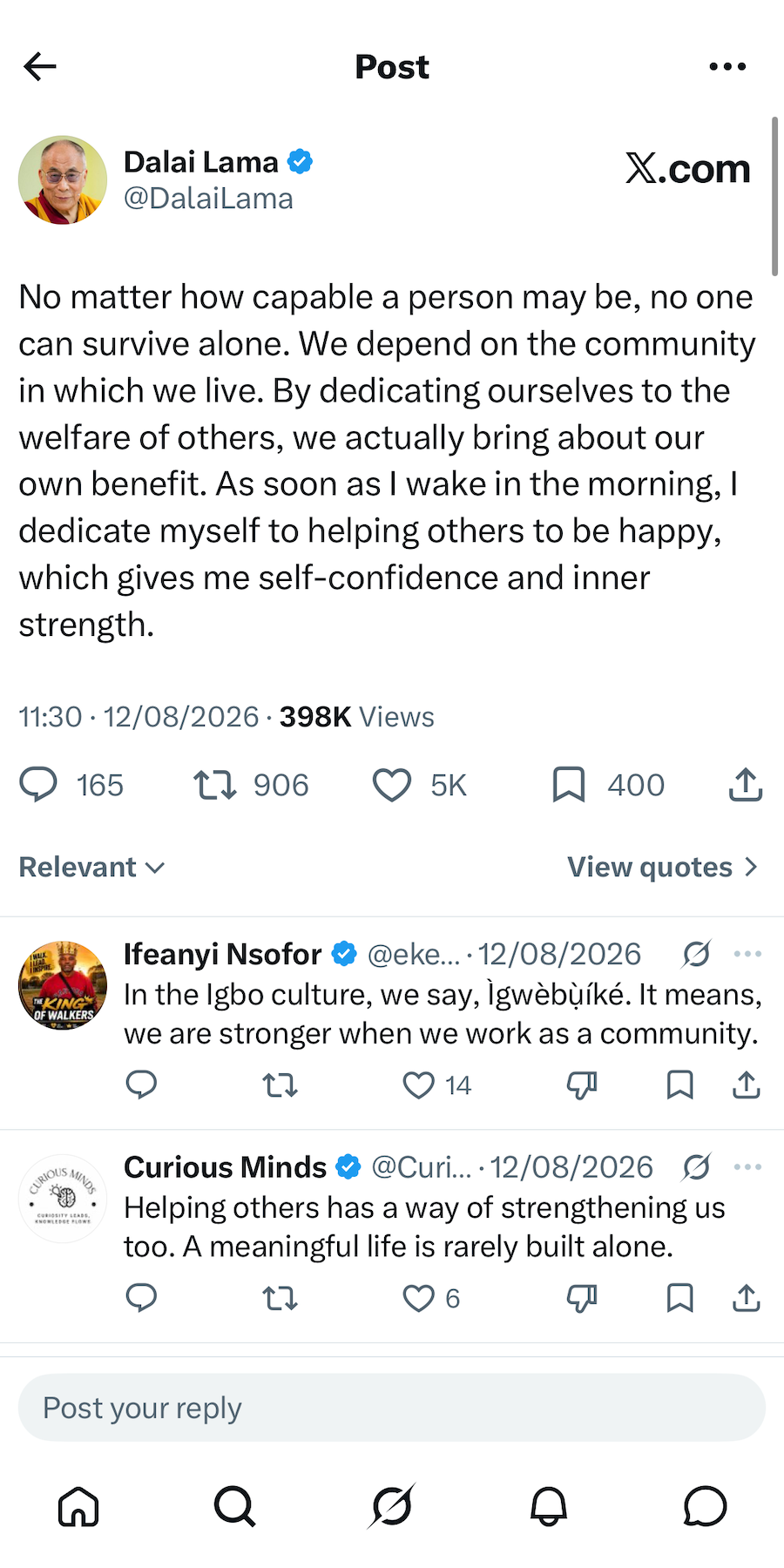
- 01A post screenshot is mostly interface. omemo finds the original post and rebuilds the card from it, so a cropped screenshot still comes back complete.
- 02The author and their handle come back with the post, so a quote never ends up anonymous.
- 03The full wording is saved as text you can search and copy — taken from the original post when it's found, not only from what your screenshot caught.
- 04You get a link that opens the original post on X again, instead of a picture you can't reply to or share properly.

A screenshot of a post is not the post.
You screenshot a post because of what it says. What you keep is a picture: no link, no way to reply, no way to send it to someone properly, and half the frame taken up by buttons.
A week later you remember the sentence but not who wrote it, and searching your camera roll for a sentence has never worked.
The post you saved, found again
omemo reads the screenshot first: the display name, the @handle, the verified badge, the full text of the post exactly as written, the date shown, hashtags and mentions, and whether an image, a video or a link card was attached.
Then it goes looking for the original post on the web and picks the right one out of the candidates — the same finder used for reels and videos.
When it lands on the post, omemo reads it directly for the author, the posted date, the likes, the reposts and the complete text. So a post that was cut off at the bottom of your screenshot comes back whole.
The card keeps a link that reopens the post on X, so you can reply, quote or share it like a post instead of sending a picture.
X and Twitter screenshots, answered.
Have hundreds of screenshots, not just posts?
omemo works the same way on everything else in your camera roll. See how the automatic screenshot organizer for iPhone handles the rest.
Related guide: How to find where a screenshot came from and get back to what you saved
Other screenshots people save