
Save travel screenshots and find them when you plan your trip
Booking confirmations live in screenshots. omemo reads the dates, the route and the reference, and gives you one clean card you can find again the day you travel.
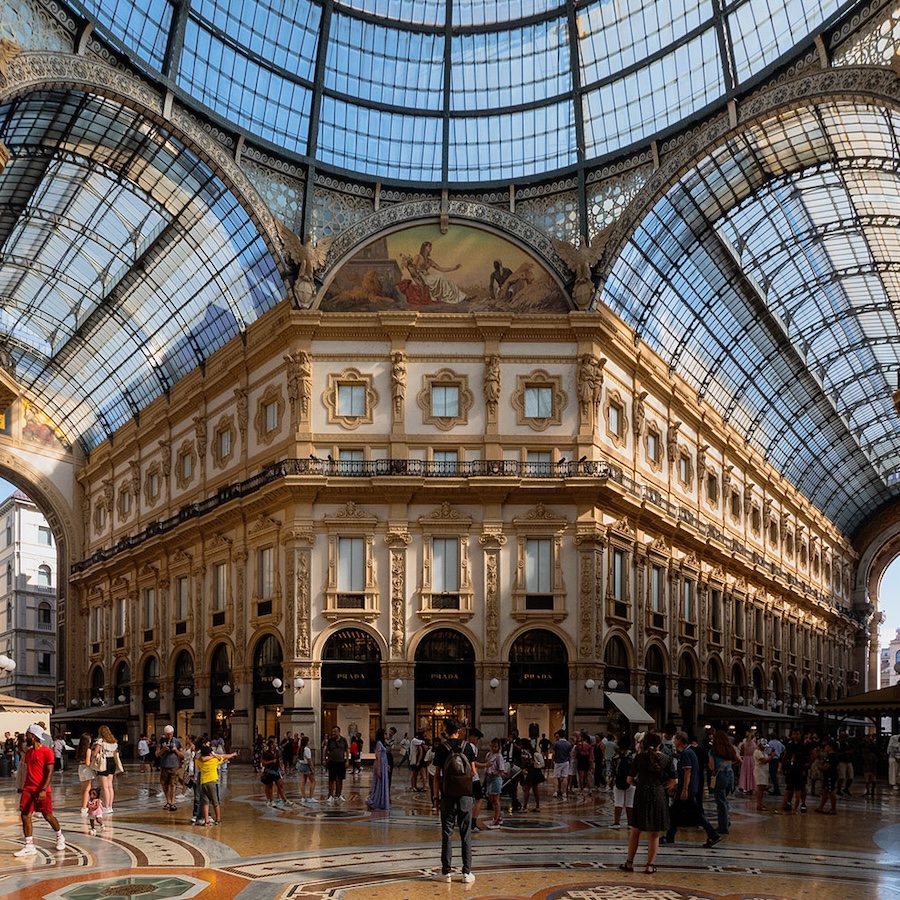
Boarding Pass for Milan
1h 30m
MXP
09:35
11:05
direct
Milan Malpensa
Departure
Fri, Jun 26, 2026 · 09:35
Arrival
Fri, Jun 26, 2026 · 11:05
Carrier
easyJet
Seat
18D
Booking ref
KC9VRMK
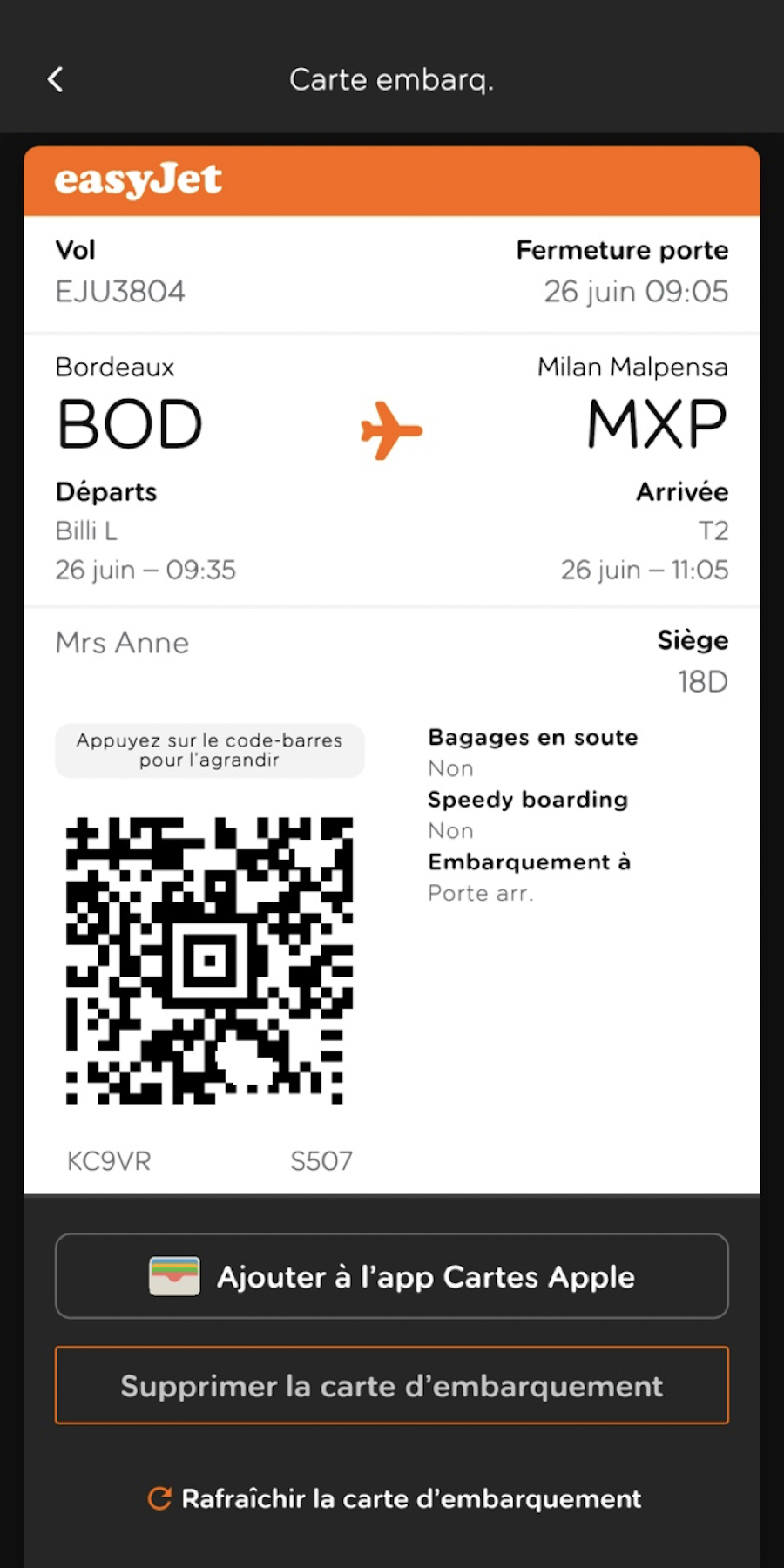
- 01Dates, route, carrier and booking reference are pulled out of the screenshot automatically.
- 02The trip is placed on a timeline, so the right card surfaces on the right day.
- 03Send the date straight to your calendar in one tap.
- 04Hotels, trains and rentals from the same trip group themselves together.
- 05The destination is recognized, so the card carries a photo of the place and a map pin for the address.

Your trip is scattered across twelve screenshots.
The booking confirmation. The hotel. The train back. The place a friend recommended. Each one a screenshot, all of them mixed in with everything else in your camera roll, and none of them easy to find when you're standing at the airport.
Screenshot it and move on. omemo keeps the dates, the route and the reference together until you travel.
Everything about a trip, in one card
From a single screenshot, omemo pulls out the dates and times, the departure and arrival with their airport codes, the carrier, the seat, the class and the booking reference.
For a hotel, it recovers the property, the address, the check-in and check-out and the phone number.
The destination is recognized too, so the card carries a photo of the place and a map pin for the address.
And each card tells you where the trip sits in time — "in 3 days", "today", "departed yesterday" — so it comes back on the right day instead of being buried under May's photos.
Travel screenshots, answered.
Have hundreds of screenshots, not just travel ones?
See how omemo works as an automatic screenshot organizer for iPhone.
Related guide: How to organize thousands of screenshots on iPhone
Other screenshots people save