
Turn Wikipedia screenshots back into readable articles
You screenshot a Wikipedia page because the subject is worth coming back to. omemo recognizes the article, keeps the text you saw and finds the original page in the right language.
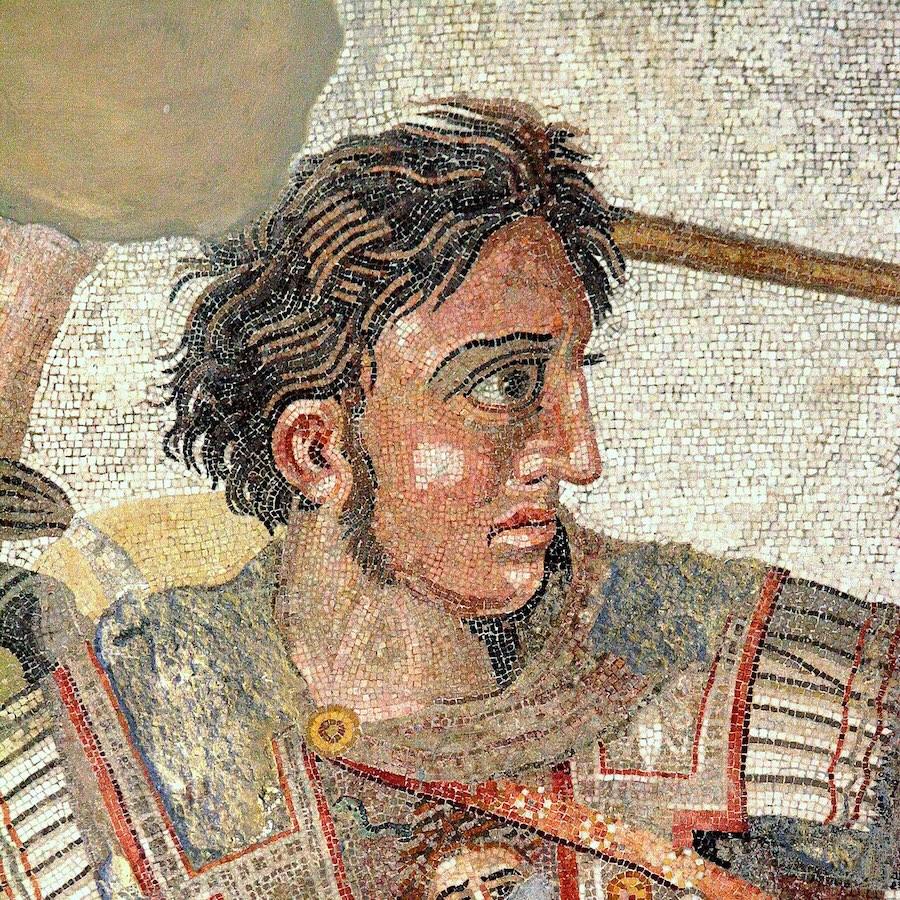
Alexander the Great was King of Macedon from 336 BC. Son of Philip II, he ascended the throne at 20. He led military campaigns across Asia and Egypt, creating one of history's largest empires by age 30. Undefeated in battle, he is considered a great military commander.
Source
Wikipedia
Reading
14 min
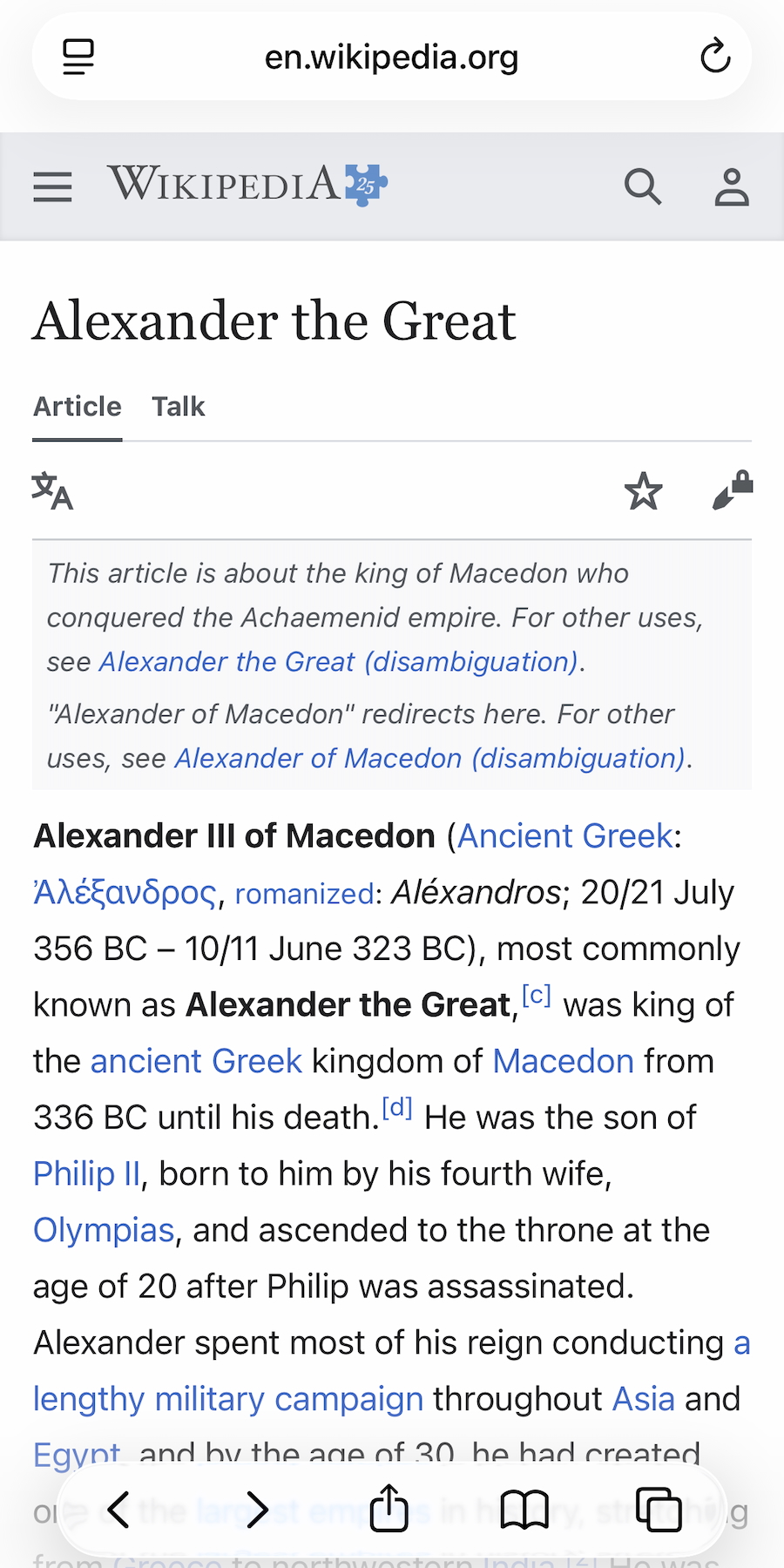
- 01omemo recognizes Wikipedia pages without confusing them with books or news.
- 02The article title and readable body text are lifted from the screenshot, so the subject is searchable again.
- 03The exact Wikipedia page is recovered in the same language as the screenshot whenever it can be matched.
- 04Source and reading time are added to the card before you open the article.
- 05Wikipedia saves join your Reading room automatically, with no folder or manual tag to create.

You saved the answer, not the way back.
A Wikipedia page answers the question you had in the moment. You screenshot the part that matters, close the tab and carry on.
Later, the paragraph is still in your camera roll, but the article title, language and link are easy to lose among everything else.
The Wikipedia page behind the screenshot, found again
omemo recognizes the Wikipedia layout, reads the article title and keeps the useful body text visible in your screenshot.
It then looks for the canonical Wikipedia page, preferring the same language shown in the original screenshot.
The card adds the source and an estimated reading time, then gives you a Read Article button that opens the real page.
Because the extracted words remain searchable, you can find the article later from the person, place or phrase you remember.
Wikipedia screenshots, answered.
Have hundreds of screenshots, not just Wikipedia pages?
See how omemo works as an automatic screenshot organizer for iPhone.
Related guide: How to find where a screenshot came from and get back to what you saved
Other screenshots people save