
Turn event screenshots into dates you won't forget
You screenshot an event you want to go to. omemo reads the day, the time and the venue, puts the event on your calendar and brings it back before it happens.

A monthly hyperlocal conversation hosted by Dallas Urbanists STLC, every 4th Thursday of the month.
Date
Monday, Sep 28, 2026
Time
6:30 PM – 8:30 PM CDT
Host
Hexel C.
Price
Free
Address
1508 Commerce Street Dallas, TX
Directions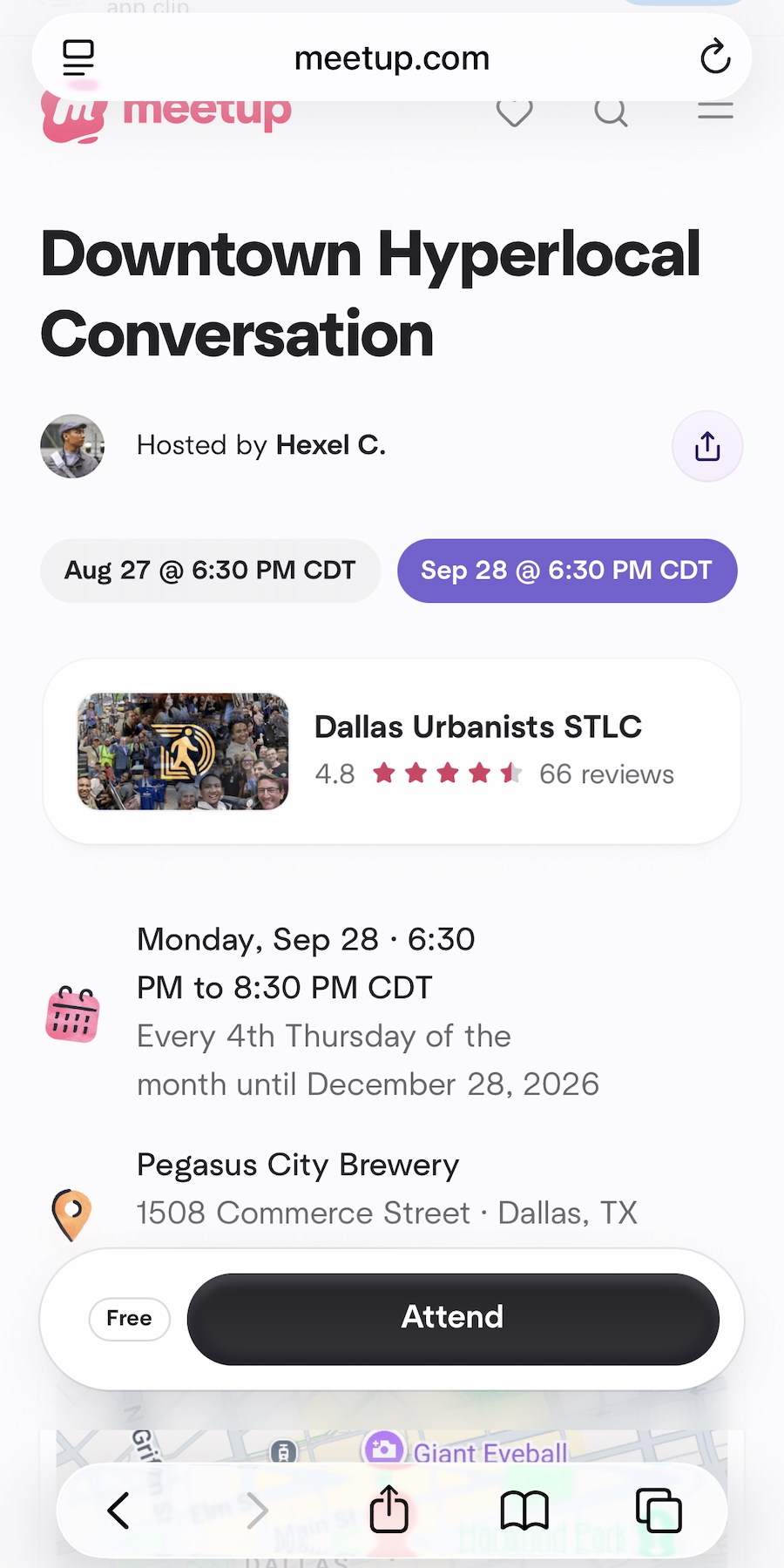
- 01The date, the start time and the venue are pulled straight out of the screenshot.
- 02Events are automatically added to your connected calendar.
- 03The venue is matched to a real address, with directions ready when the day comes.
- 04omemo brings the card back before the event instead of after it's over.

The date was in the screenshot. The screenshot was in the camera roll.
Concerts, exhibitions, a friend's party, a meetup, a match, a talk. You screenshot the poster or the story and move on.
By the time the date matters, the screenshot is buried under three hundred others, and you don't remember whether it was the 12th or the 19th.
From a poster to a date in your calendar
From one screenshot, omemo recovers the event, the date, the start time, the venue and its address, the seat or the ticket reference when they're there, and the kind of event it is.
The venue is matched to a real place, so the card carries a photo of it, a map and directions ready for the day.
And it goes on your calendar — Google or Apple, connected once — so the reminder happens where you already look.
Each card also knows where it sits in time, so an event that's coming up stays visible instead of sliding into the past.
Event screenshots, answered.
Have hundreds of screenshots, not just event ones?
See how omemo works as an automatic screenshot organizer for iPhone.
Related guide: How to organize thousands of screenshots on iPhone
Other screenshots people save