
Turn book screenshots into a reading list
A book recommendation flashes past in a story or a post and the title is gone by evening. omemo recognizes the book, the author and where to buy it.
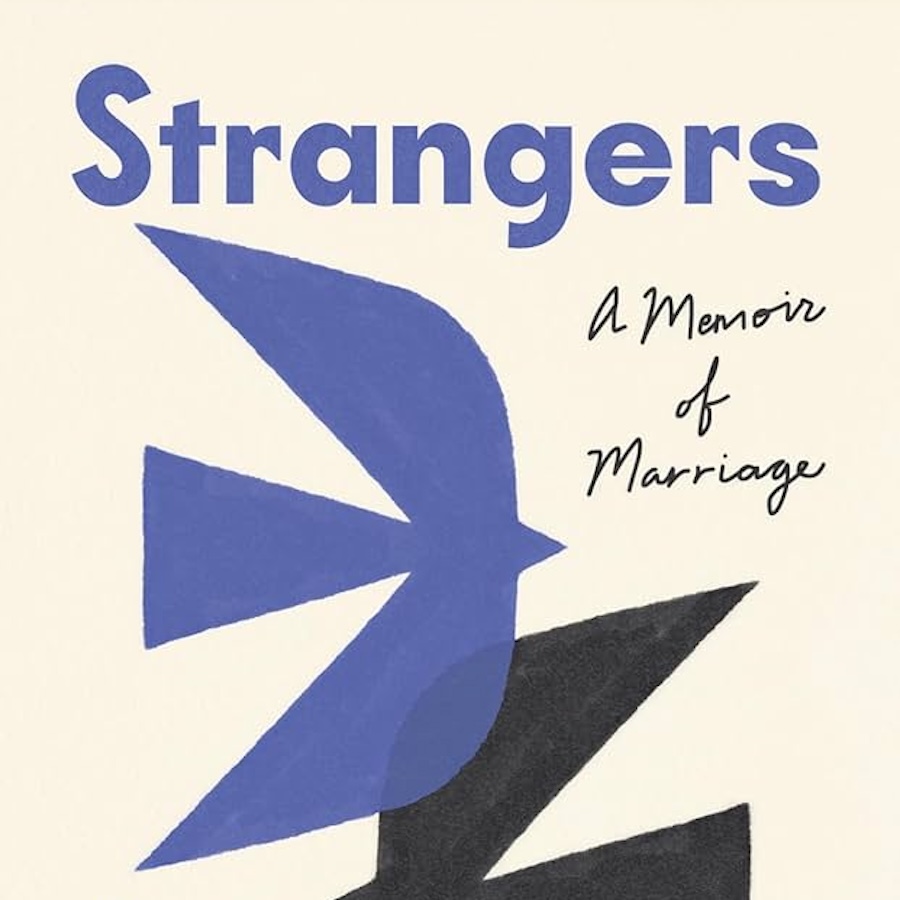
A gorgeous memoir about the sudden end to a seemingly happy marriage—an aching, love-filled, and transcendent account of surviving betrayal and discovering joy. "Riveting . . . examines the very nature of intimacy." —Joyce Carol Oates
Year
2026
ISBN
9780593733318

- 01The title and author are read off the cover, even when the photo is taken at an angle.
- 02The edition and page count come back with the card, so you know what you're buying.
- 03The cover, the edition and the details are filled in from book databases, even when your shot was blurry.
- 04Books collect themselves into a reading list you never had to build.
- 05Search by anything you remember — the author, the cover, or the shop you saw it in.

The title flashed past. You didn't write it down.
Book recommendations arrive mid-scroll: a story, a post, a shelf in a shop, a friend's photo. A screenshot feels like enough.
Months later you have a dark picture of a cover at an angle, and no idea what the book was called or who wrote it.
The title that flashed past, back on a shelf
omemo reads the cover or the reading screen and pulls out the title, the author, the publisher, the genre and the page count.
Then it looks the book up properly, so the card comes back with a clean cover and the details that were never in your screenshot.
Books gather into one shelf on their own — everything you meant to read, in a single place.
And you can search the way you remember it: the author, a word in the title, or the shop where you saw it.
Book screenshots, answered.
Have hundreds of screenshots, not just books?
See how omemo works as an automatic screenshot organizer for iPhone.
Related guide: How to find where a screenshot came from and get back to what you saved
Other screenshots people save