
Turn shipping screenshots into parcel details you can use
Collection and shipping instructions arrive by email, then get buried in the inbox. Screenshot them and omemo keeps the vendor, pickup point, QR code and reference together in one clean card.

Vinted parcel to collect
Post Office St Marys 95–101 Drew Street Brixham TQ5 9LA
Tracking
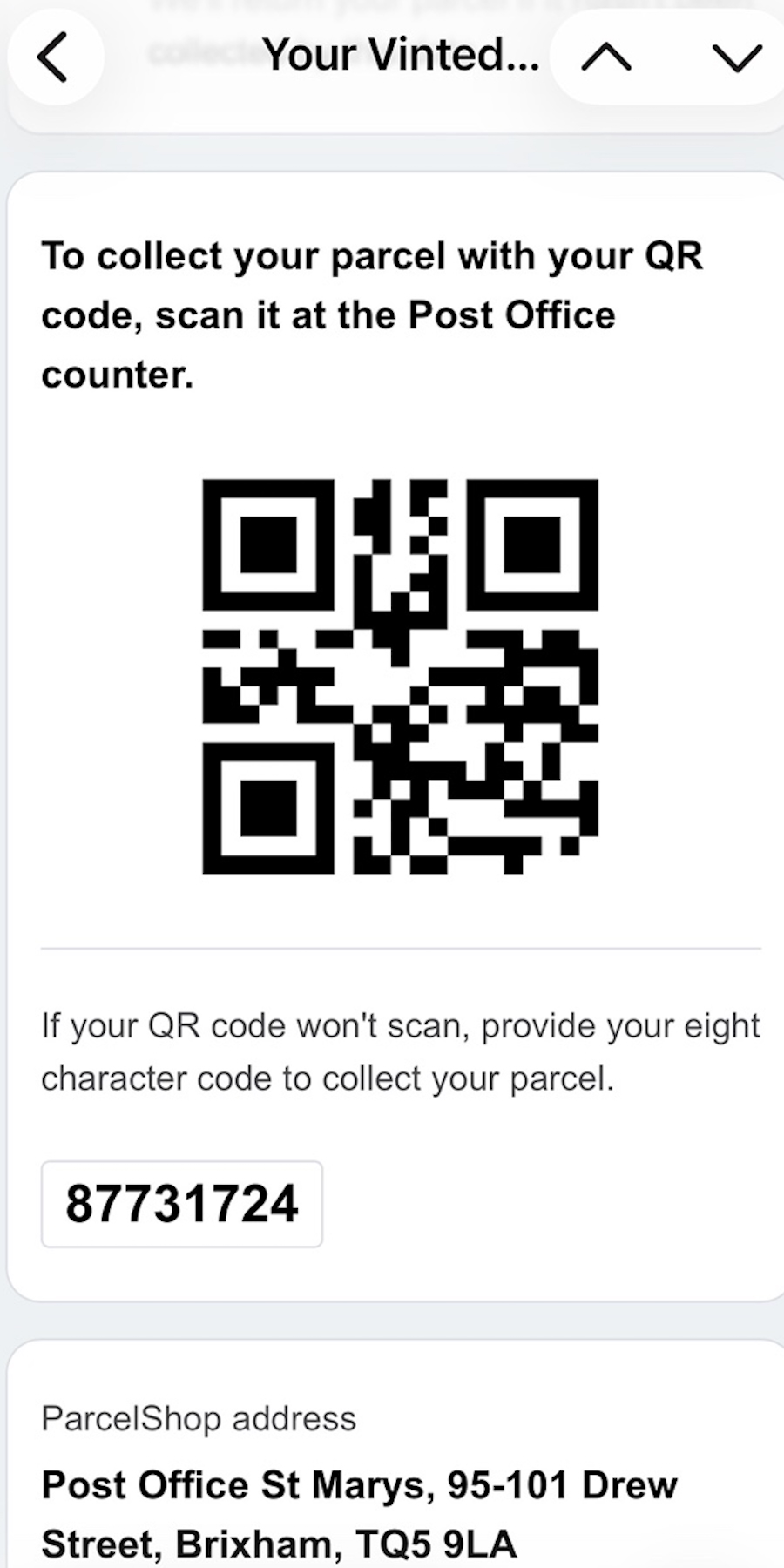
- 01The parcel vendor and collection instructions are recognized from the screenshot, even when they came from an email.
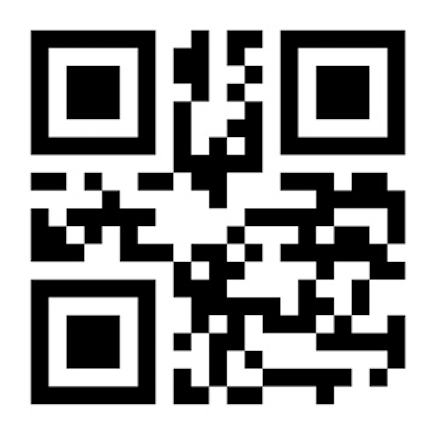
- 02A visible QR code or barcode stays large and ready to scan at the counter.
- 03The pickup point and address are kept together, with directions one tap away when they are visible.
- 04The tracking, pickup or reference code is extracted so you do not have to search the original message.
- 05Shipping screenshots become searchable delivery cards instead of getting lost in the camera roll.

The parcel is ready. The email is already buried.
Collection codes, return labels and shipping instructions often arrive in an email you will need days later, at a counter or parcel shop.
You screenshot the message so it is close at hand. Then that screenshot joins everything else in your camera roll, with the QR code, address and reference trapped inside the image.
Everything needed at the parcel counter
omemo recognizes Logistics screenshots and reads the details that are visible: the carrier or merchant, parcel status, pickup point, address, QR or barcode, tracking or pickup reference, and any explicit deadline.
The QR code remains easy to scan, the reference is ready to copy and the pickup address opens in maps, so there is no need to retrieve the original email while someone waits behind you.
Only details present in the screenshot are kept. omemo does not invent a missing address or turn a relative date into a permanently current promise.
Shipping screenshots, answered.
Have hundreds of screenshots, not just shipping ones?
See how omemo works as an automatic screenshot organizer for iPhone.
Related guide: How to organize thousands of screenshots on iPhone