
Screenshots are no longer a dead weight
rhjbc
My screenshots album is a graveyard of ideas I plan to do but never get to. This app dug them back up and gave me a system that turns "I should really get to that" into things let's get it done.

The things you screenshot are usually things you want to remember.
A recipe. A product. A place. A message. An idea.
omemo automatically sorts them, understands what's inside, and makes them easy to find again.
Screenshot a restaurant you saw on Instagram.
omemo recognizes the restaurant, finds its name, address, opening hours and booking link, then files it with your other saved places.
Screenshot a product? You get the product, price and store.
A recipe? Ingredients and steps.
A flight? Dates, places and booking details.
The image stays there too. omemo just makes what's inside it usable.
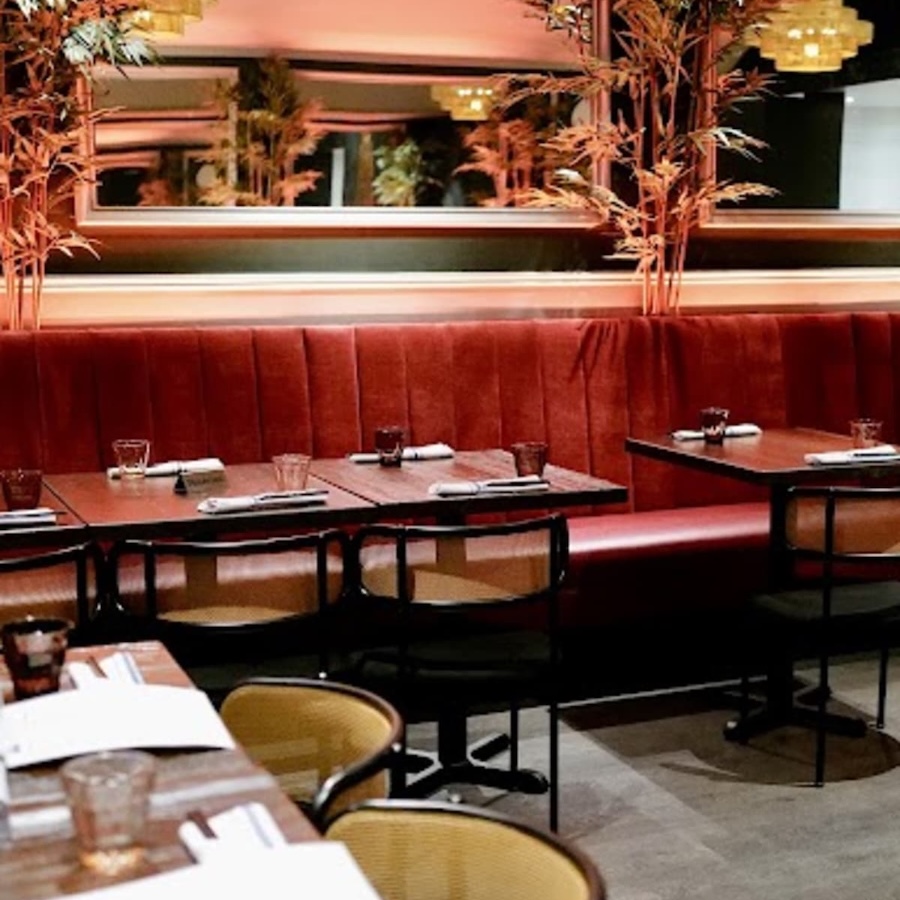
Northern Vietnamese cuisine available on UberEats and DoorDash.
Phone
(415) 298-0897
CallWebsite
turtletowersf.com
VisitHours
Open nowAddress
3145 Fillmore St San Francisco CA 94123 USA
Directions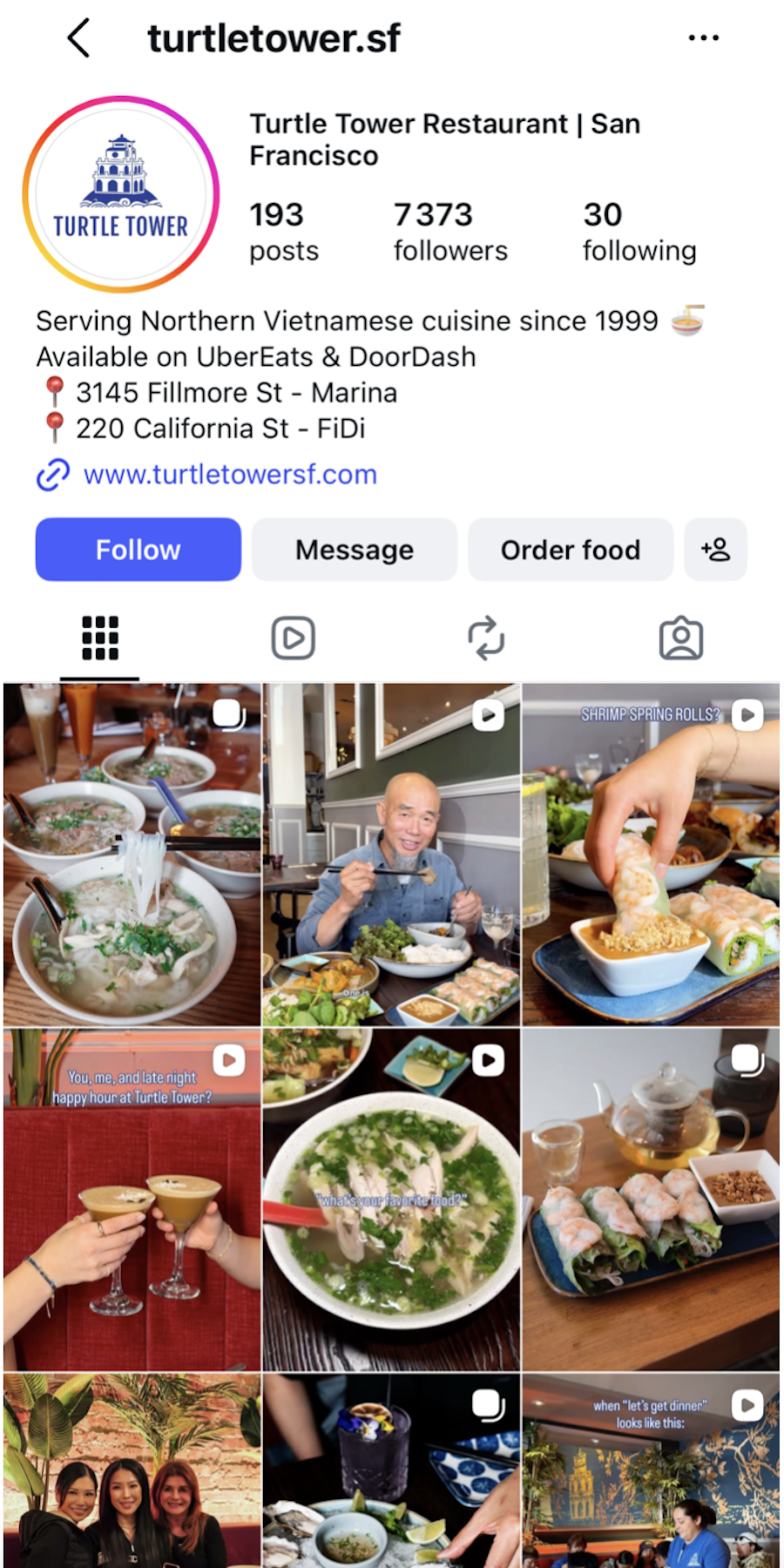

InPhotos
Inomemo
Hundreds of images
Automatically categorized
Sorted by date
Searchable by what's inside
Everything mixed together
Useful details recovered
Scroll until you find it
Ready when you need it
You probably won't remember that you took the screenshot on May 14.
You might remember:
Search that.
omemo searches what was in the screenshot and what it understood about it, so you don't have to remember where or when you saved something.
Screenshots pile up next to birthdays, holidays and family photos until your camera roll becomes mostly… not photos.
Once a screenshot is safely stored in omemo, you can remove the original from your iPhone in one tap.
It stays in omemo. The space comes back to your phone.
Health and other sensitive screenshots can be excluded before they leave your iPhone.
omemo checks sensitive categories on-device and gives you control over what gets added to your library.
Nothing new to learn. Nothing new to remember.
Take screenshots like you always do. omemo takes care of what happens next.