
Turn recipe screenshots into recipes you can actually cook
Recipes screenshotted from videos and stories are unreadable at the stove. omemo puts the ingredients and the steps back into text you can actually follow.
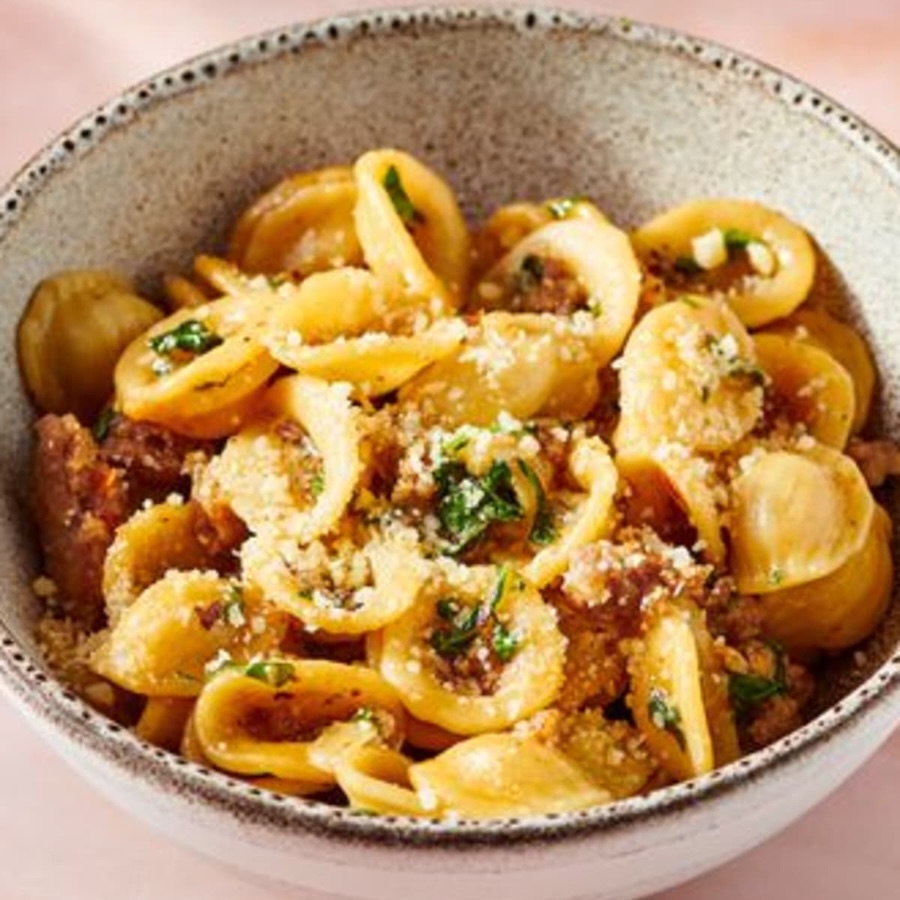
One Pan Orecchiette Pasta
Ingredients
- •Orecchiette pasta
- •Italian sausage
- •Broccoli rabe
- •Garlic
- •Parmesan cheese
- •Olive oil
- •Crushed red pepper flakes
- •Salt
- •Black pepper
Instructions
- 1.Cook the orecchiette pasta according to package instructions.
- 2.In a pan, cook sausage until browned.
- 3.Add garlic and broccoli rabe and sauté until tender.
- 4.Mix in the cooked pasta and add olive oil.
- 5.Season with salt, black pepper, and red pepper flakes.
- 6.Top with grated Parmesan cheese before serving.
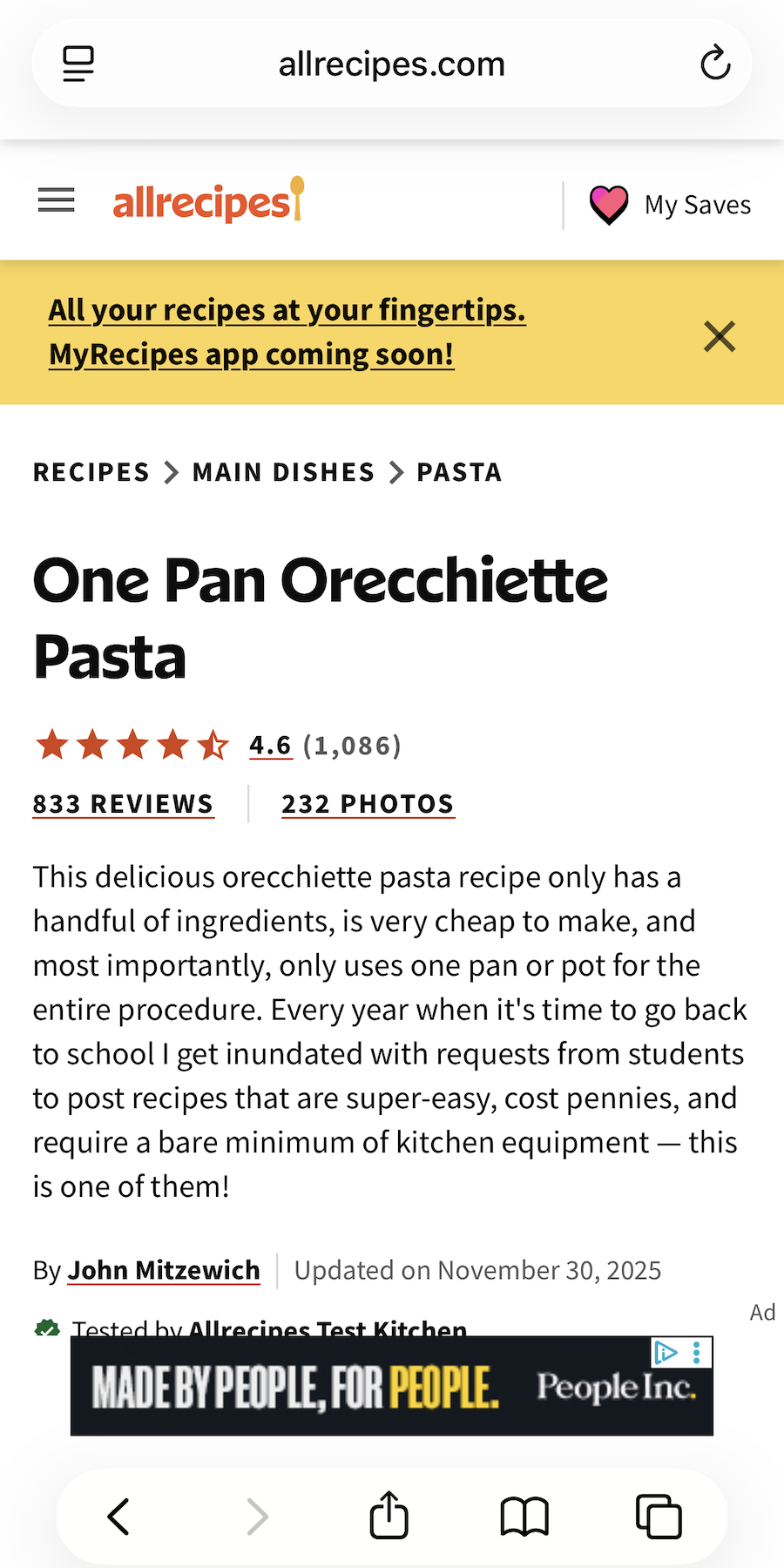
- 01Ingredients and quantities are extracted into a list you can read at arm's length.
- 02The steps come back as text, so you're not scrubbing a video with wet hands.
- 03Everything is searchable — find that pasta again by typing "orecchiette".
- 04A clean photo of the dish is found for you when the screenshot is unreadable.

You'll never scrub that video with wet hands.
Recipes get screenshotted mid-scroll: a Reel, a story, a blog buried under pop-ups, a friend's message. It feels like saving them.
At the stove the screenshot is useless — the text is too small, the steps are cut off, and the video is nowhere to be found.
Cook from the screenshot, not the video
omemo reads the screenshot and puts the recipe back as text: ingredients with their quantities, the steps in order, prep and cook time, servings.
Search what you remember — "orecchiette", "lemon", "30 minutes" — and the recipe comes back.
Need the shop run? The ingredients go to your Apple Reminders as a checklist in one tap.
And when the screenshot is unreadable — covered in captions or UI — omemo finds a clean photo of the dish to go with it.
Recipe screenshots, answered.
Have hundreds of screenshots, not just recipes?
See how omemo works as an automatic screenshot organizer for iPhone.
Related guide: How to organize thousands of screenshots on iPhone
Other screenshots people save