Screenshots are no longer a dead weight
rhjbc

My screenshots album is a graveyard of ideas I plan to do but never get to. This app dug them back up and gave me a system that turns "I should really get to that" into things let's get it done.

The automatic screenshot organizer for iPhone.
You screenshot things you want to remember: products, places, recipes, movies, ideas... then forget about them.
omemo automatically turns every screenshot into something useful, with the right link, details and reminders when they matter.
Just screenshot. omemo remembers the rest.
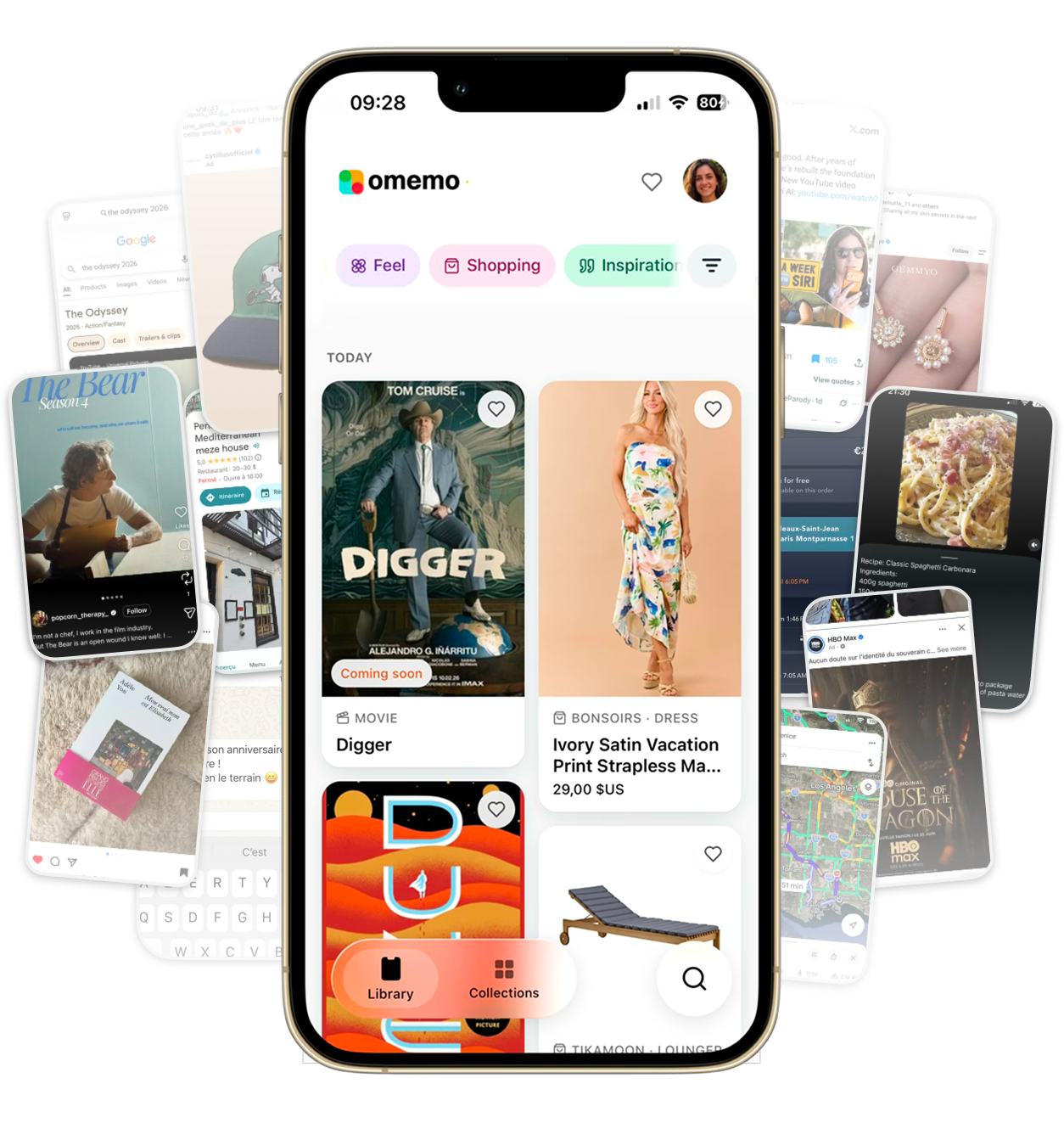

No importing, no folders, no filing. omemo watches your camera roll for new screenshots and takes it from there.
Nothing changes in your habits. Screenshot a product, a place, a recipe, an article. omemo picks it up in the background, with no import step.
omemo reads what is actually in the screenshot, finds the original source and pulls out the useful details: price, address, date, link, name.
Everything lands in a library that sorts itself, and the things that matter come back at the right moment, near the place or before the date.
omemo understands 25+ kinds of screenshots and sorts each one on its own. Duplicates and throwaways never reach your library.
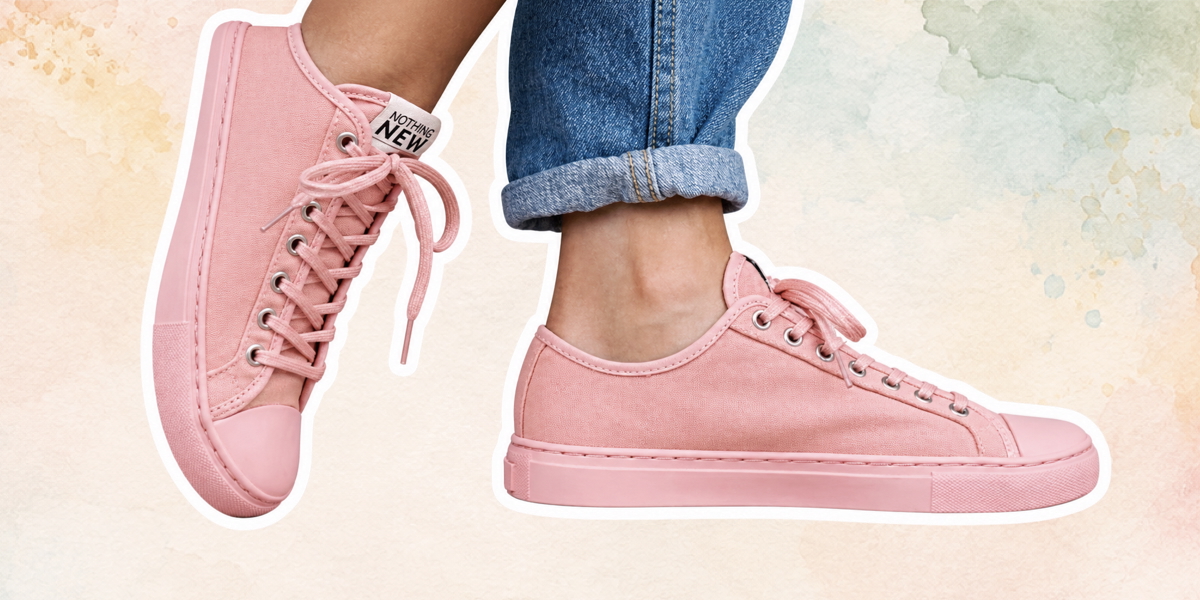 ShoppingPrice, store, link. Ready when you are.Discover
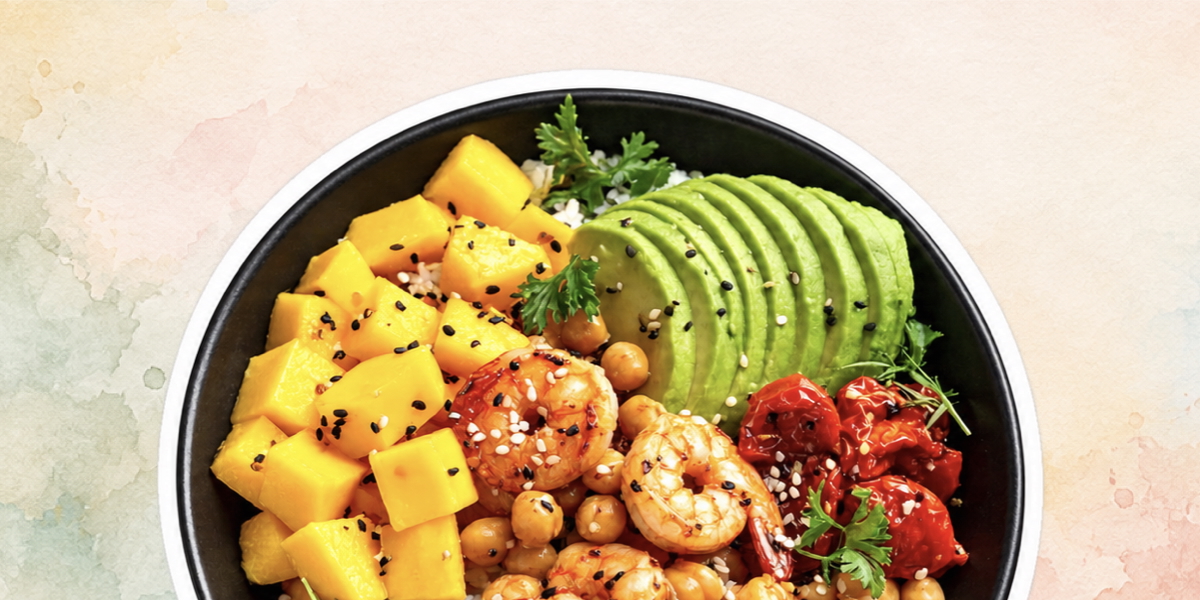 RecipesIngredients and steps, dinner sorted.Discover
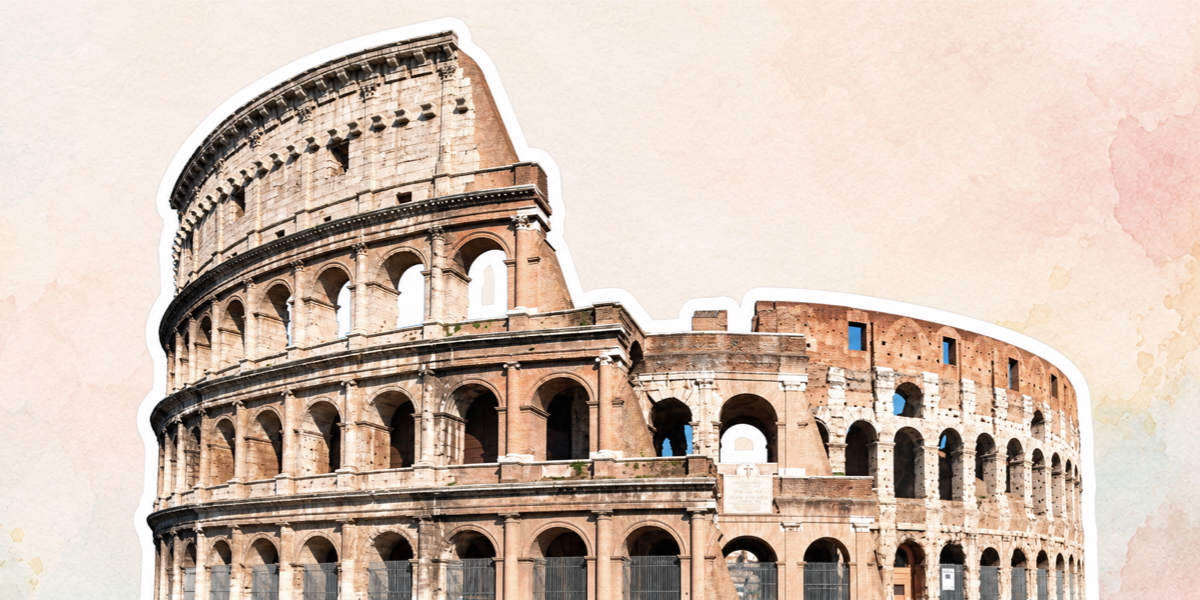 TravelFlight, hotel, dates. One trip card.Discover
 EventsThe date, the place, in your calendar.Discover
 RestaurantsAddress, hours, and a table to book.Discover
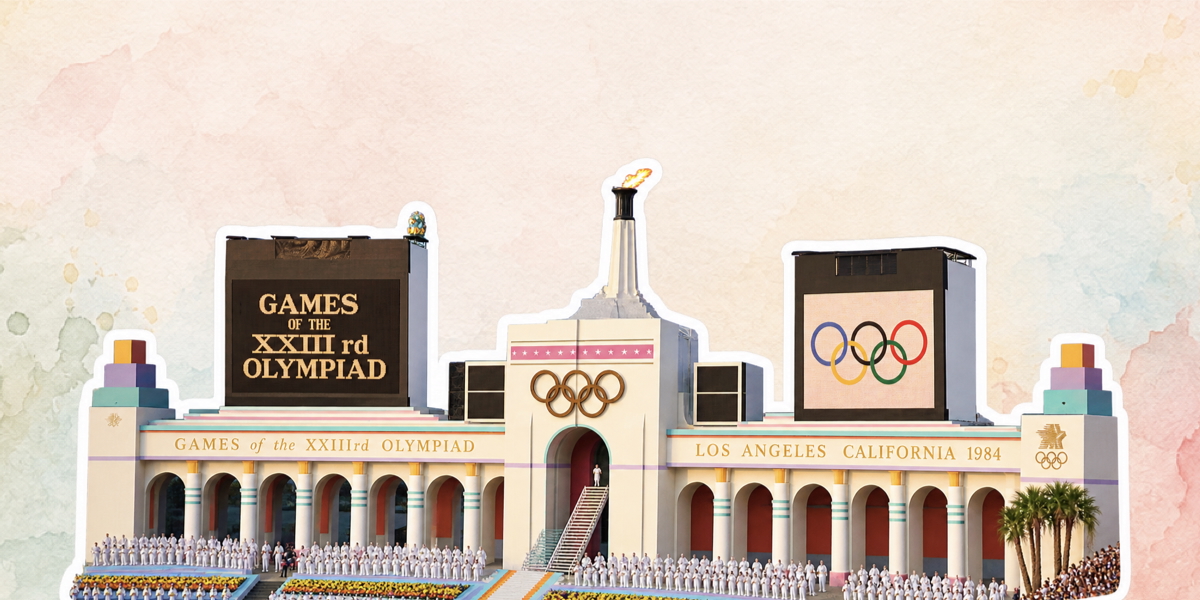 News & articlesThe article, saved to finish later.Discover
 VideosThe video you meant to watch later.Discover
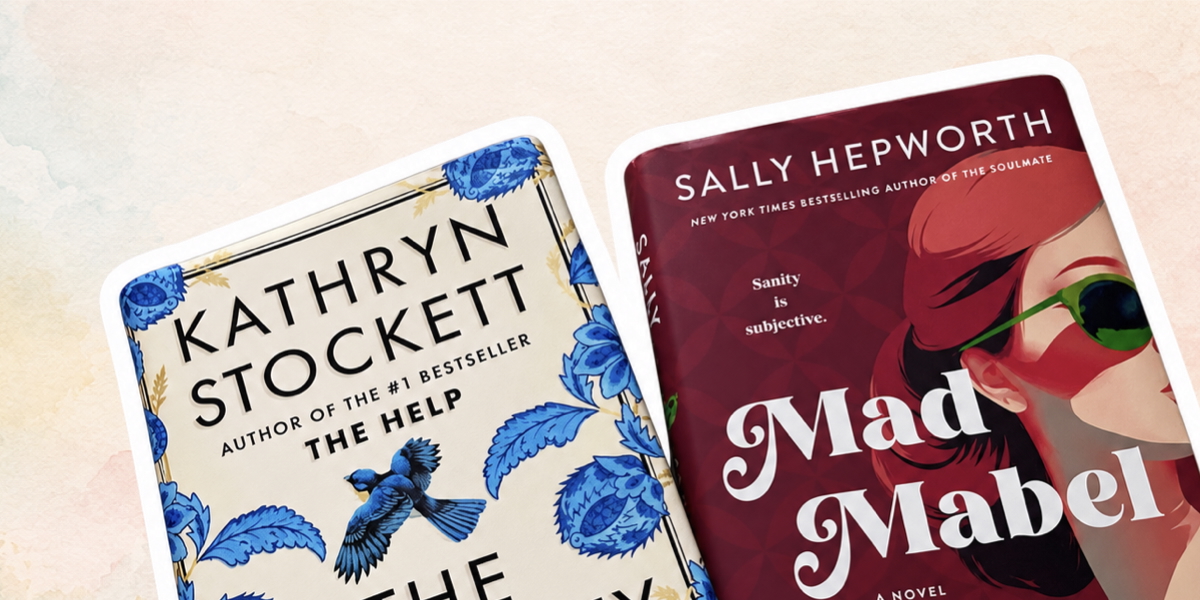 BooksTitle, author, summary and where to get it.Discover
And many more types, understood the same way.
Your screenshots are yours. omemo is built so the sensitive ones never leave your iPhone unless you say so.
Health, banking and wallet screenshots are detected locally on your iPhone, before anything is uploaded.
Finance, codes and other categories are ON by default, while Health stays OFF. You can change either setting with a single tap, at any time.
Freeing space on your phone never removes the omemo copy. Your library stays whole, even after a reset.