
Find the original article behind a screenshot
You screenshot a headline to read later and never find it again. omemo recovers the article behind the image — the source, the date and a link that still works.

L.A. Olympic organizers have sold more than 6 million tickets, locking in a significant piece of funding for what they promise will be a privately funded Games.
Author
Thuc Nhi Nguyen
Tags
Olympics
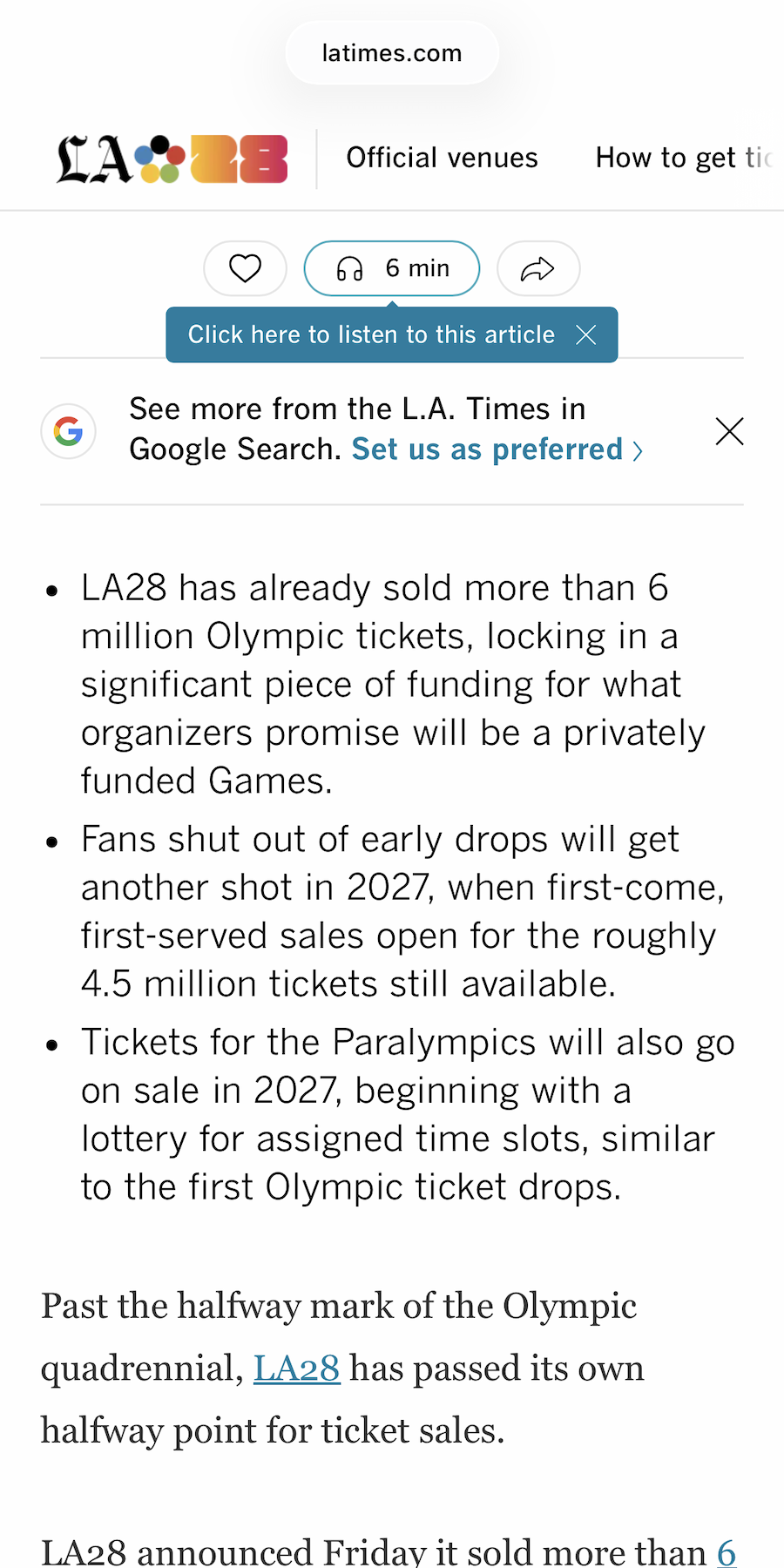
- 01The headline in the image is matched back to the real article and its source.
- 02You get a working link, even months later, without hunting through your history.
- 03Reading time and publication date are attached so you know when to open it.
- 04The article text visible in the shot is kept too, so you can search a sentence you remember.
- 05Everything lands in a reading list you never had to build.

The headline stays. The article disappears.
You screenshot a piece to read properly later — a feed post, a paywalled front page, a link someone sent. It feels like saving it.
A week later, all you have is a picture of the headline. No source, no date, no way to open it. So you never read it.
The headline you saved is a link again
omemo reads the screenshot and pulls out what an article card needs: the publication, the author, the date it was published and the reading time.
Then it goes and finds the story itself, so the card opens the real article instead of showing you a dead image.
The text visible in the shot is kept as well — search a phrase you half-remember and the article comes back.
Articles group together on their own, so what you meant to read is in one place rather than scattered through months of photos.
Article screenshots, answered.
Have hundreds of screenshots, not just articles?
See how omemo works as an automatic screenshot organizer for iPhone.
Related guide: How to find where a screenshot came from and get back to what you saved