
Find the original video behind a screenshot
You screenshot a video to watch it later: omemo recognizes the clip, brings back the title, channel and duration, and gives you the link to resume the play.
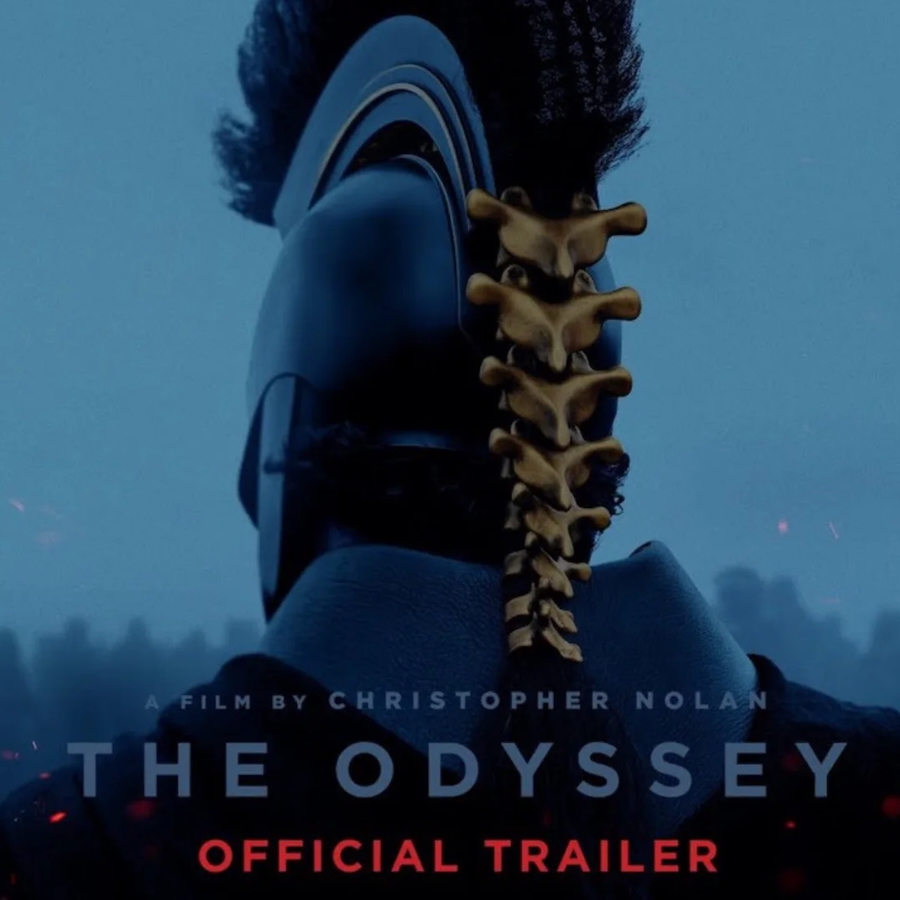
Official trailer for the movie 'The Odyssey'.
Channel
Universal Pictures
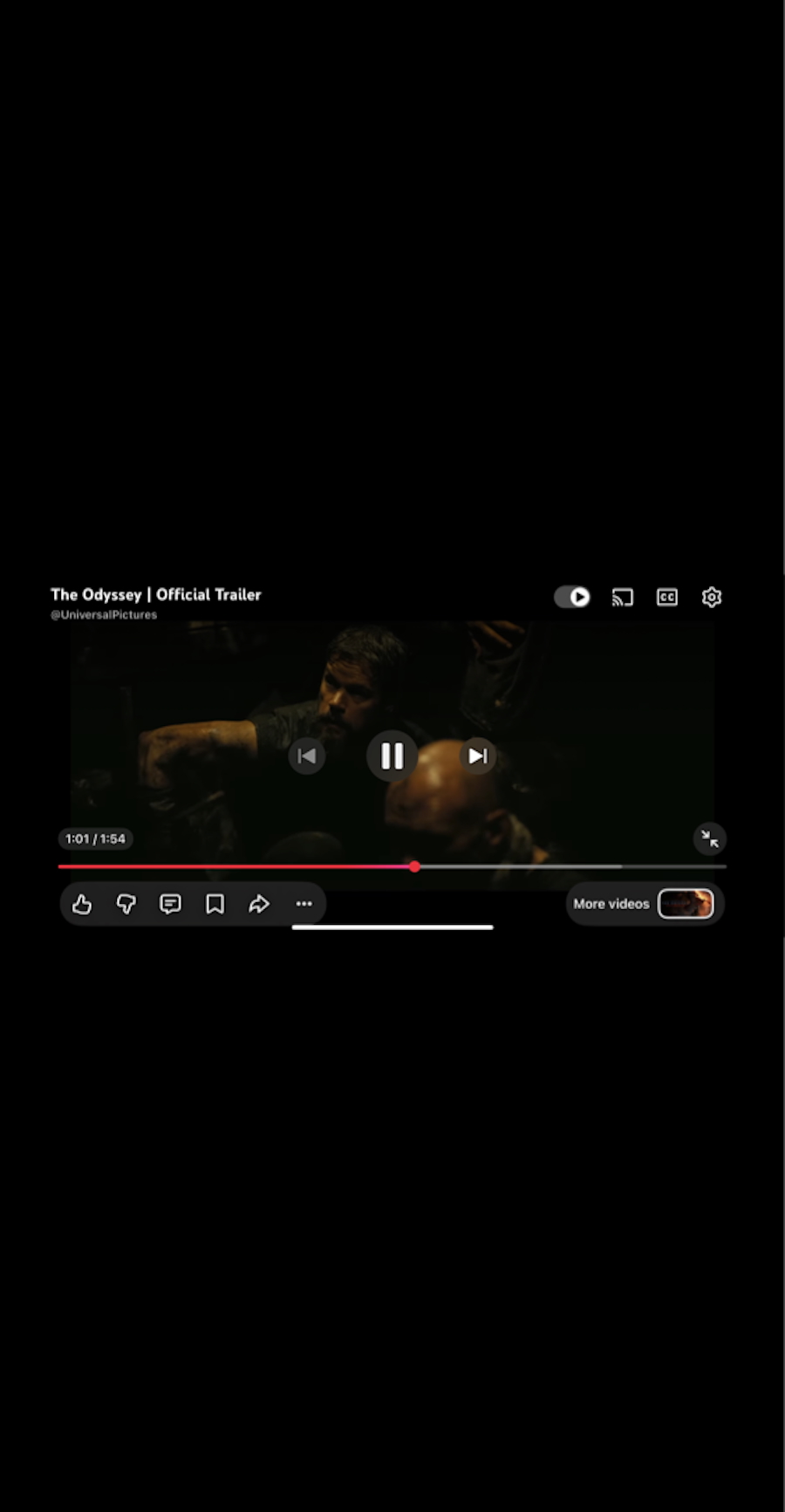
- 01omemo recognizes where the clip comes from on its own — YouTube, TikTok, Reels, Shorts, X, Twitch or Vimeo — without you saying a word.
- 02The title, channel or creator, duration and publication date come back, even when the screenshot only caught a paused frame.
- 03The thumbnail is attached, so you recognize the clip at a glance weeks later.
- 04You get a working link that opens the video again in the app it came from, instead of a dead frame in your camera roll.

A paused frame is not a video.
You screenshot a clip to watch it properly later — a tutorial, a trailer, a Reel someone sent you mid-conversation.
What you keep is a frozen frame: no title, no link, no way back to the clip. The video is somewhere in an app, and you'll never scroll far enough to find it.
A frozen frame, back to a playable link
omemo recognizes where the clip came from on its own — YouTube, TikTok, Reels, Shorts, X, Twitch, Vimeo — without you tagging anything.
It reads the title, the channel or creator, the duration, the upload date and the view count straight from the paused frame.
The thumbnail is attached too, so weeks later you recognize the clip at a glance instead of squinting at a screenshot.
And the card carries a link that reopens the video in the app it came from, so watching it later actually happens.
Video screenshots, answered.
Have hundreds of screenshots, not just videos?
See how omemo works as an automatic screenshot organizer for iPhone.
Related guide: How to find where a screenshot came from and get back to what you saved
Other screenshots people save