
Turn contact screenshots into real contacts
You screenshot an email signature to keep someone's number, then never find it again. omemo reads the name, the role, the company and the number, and with contact sync on it writes the person straight into your phone's address book.

Brice Vercoustre
Phone
+33 6 72 19 59 62
Callbrice@libcast.com
Website
Libcast.com
Visit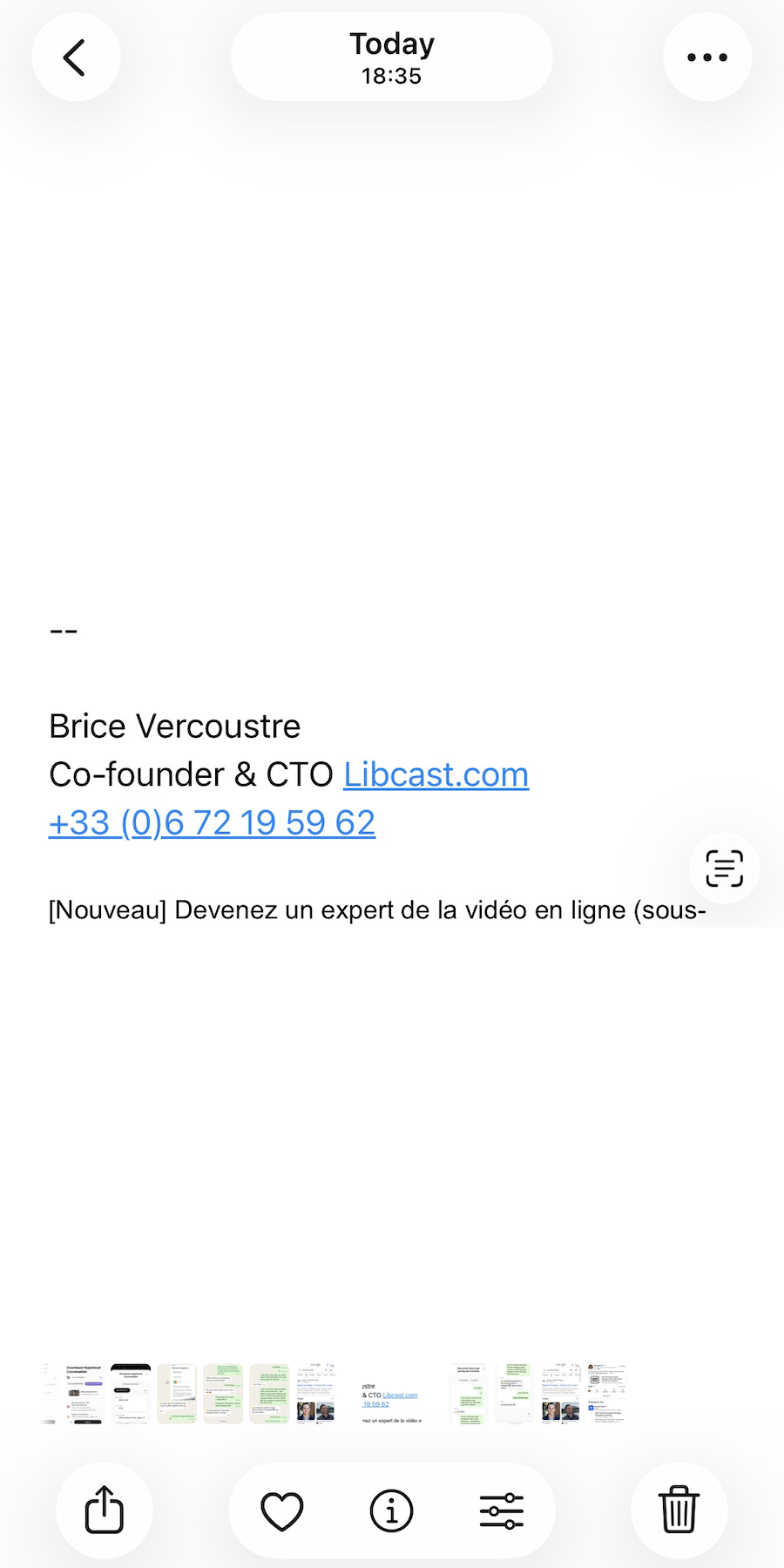
- 01A screenshot of an email signature becomes a real person: name, job title, company, phone and website, all read from the pixels.
- 02Turn auto-save on, give iPhone permission once, and omemo writes them straight into your address book, ready to call or message.
- 03omemo only ever writes new contacts. It never reads or uploads the address book you already have.

The number is in your camera roll, not in your phone.
Someone sends a signature, hands you a card, shows you a QR code. You screenshot it, because typing a number into your contacts while you're standing there is never going to happen.
Then you need to call that person, and you're scrolling months of screenshots looking for a rectangle of small grey text.
A signature becomes a person you can call
omemo reads the screenshot and pulls out the name, the job title, the company, the phone number, the email, the address and the website — whatever is actually there.
Phone numbers come back in international format, so a number written 06 12 34 56 78 is saved as +33 6 12 34 56 78 and works wherever you are. If several numbers are on the screenshot, the extras are kept too.
It works on email signatures, business cards, a plumber's flyer, a phone contact screen, a nametag, a social QR code, even a team list or an emergency sheet with several people on it.
The card gives you a Call button, the email address and a map link for the address. Turn auto-save on — iPhone only, after you grant permission once — and the person is written straight into your address book. omemo only ever writes new contacts; it never reads the ones you already have.
Contact screenshots, answered.
Have hundreds of screenshots, not just contacts?
omemo works the same way on everything else in your camera roll. See how the automatic screenshot organizer for iPhone handles the rest.
Related guide: How to find where a screenshot came from and get back to what you saved