
Remember every place you screenshot
You screenshot a park, a viewpoint or a landmark you want to visit: omemo finds the place and gives you back where it is, when it's open and how to get there.

Central Park
An 843-acre public park in the heart of Manhattan, stretching from 59th Street to 110th Street.
Phone
(212) 310-6600
CallWebsite
centralparknyc.org
VisitHours
Open nowAddress
Central Park New York NY 10024 USA
Directions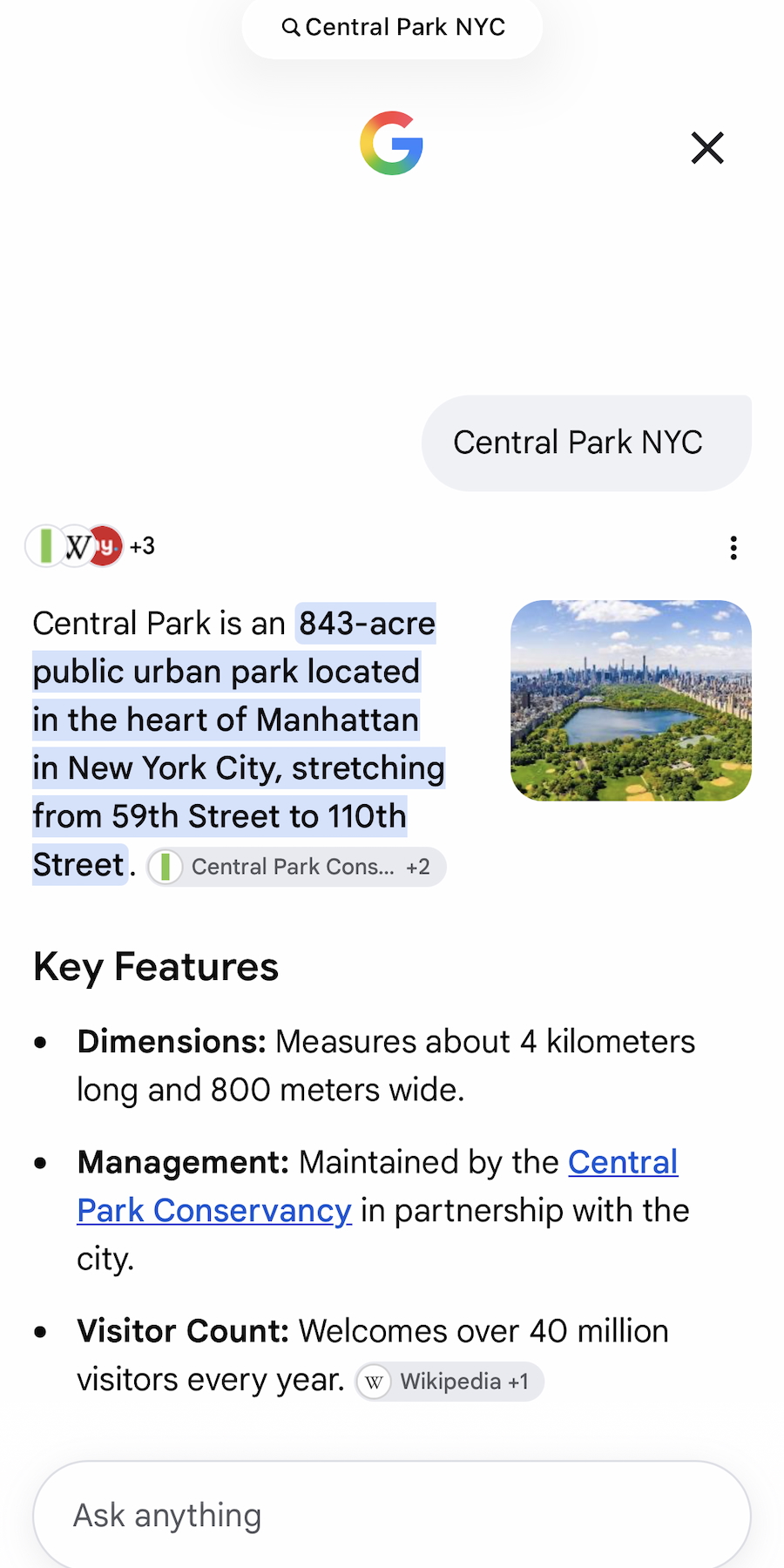
- 01The place is recognized from the screenshot alone and matched to a real location on the map.
- 02Address, opening hours, rating and website come back on their own, even when the screenshot only shows a name.
- 03A photo of the spot is attached, so you know at a glance what you saved.
- 04Directions are one tap away, in the maps app you already use.
- 05Spots collect themselves per city, so your next trip is already planned before you land.

Every place you meant to visit is a screenshot you'll never open.
A viewpoint from someone's trip. A hotel you were considering. A shop a friend recommended. A hike, a museum, a beach.
You screenshot them because you'll be there one day — and one day you have forty screenshots and no idea which was where.
A screenshot becomes a place on the map
omemo recognizes the place and matches it to a real location: address, opening hours, rating, phone, website, a photo of it, and directions in one tap.
It also knows what kind of place it is — a stay, an activity, a cultural spot, a shop, an outdoor place — and keeps the details that come with it: check-in and check-out, price per night and amenities for a place to stay; duration, difficulty and entry fee for a hike or a visit.
Everything gathers per city, so the trip is half planned before you land.
Spot screenshots, answered.
Have hundreds of screenshots, not just places?
See how omemo works as an automatic screenshot organizer for iPhone.
Related guide: How to organize thousands of screenshots on iPhone
Other screenshots people save