
Turn shopping screenshots into products you can find and buy
You screenshot a product you like and scroll on. omemo recognizes the item, recovers the retailer and the price so you can buy it whenever you're ready.
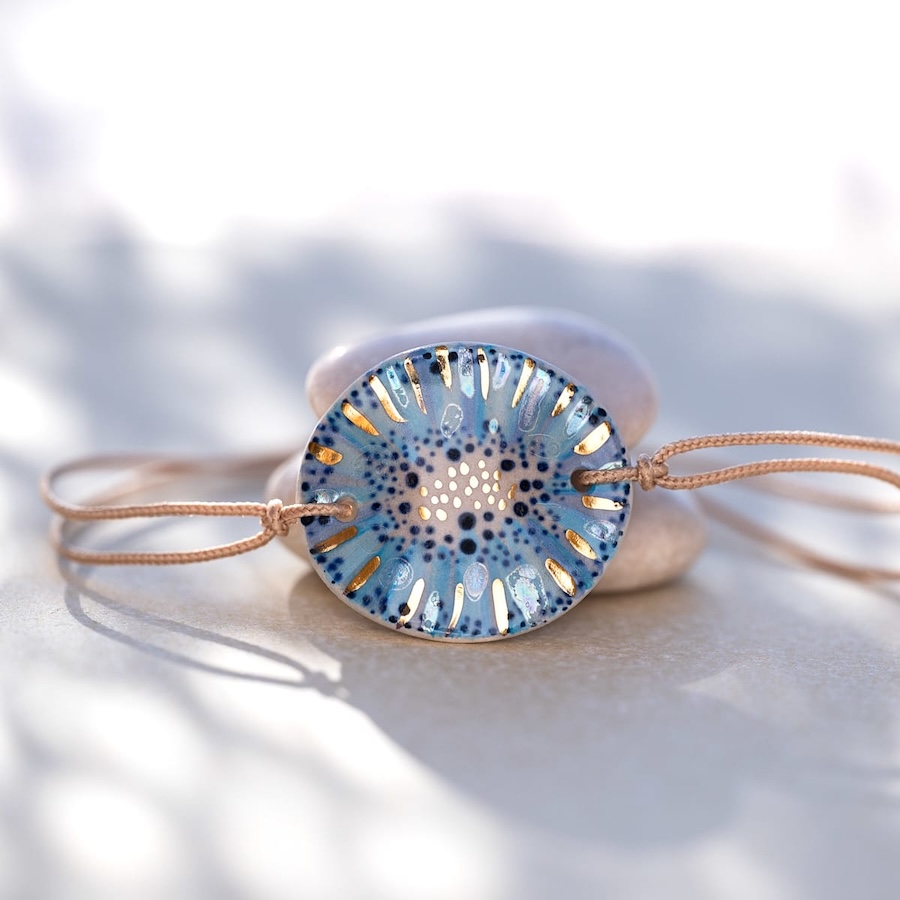
Handcrafted ceramic pendant with fine gold accents.
Price

- 01The product name, brand and retailer are recovered from the pixels. No copy-paste, no lost tab.
- 02The price is captured at the moment you saved it, so you can see whether it moved since.
- 03A working link comes back with the card, even when the original app or story is long gone.
- 04omemo pings you when the item drops in price or comes back in stock.
- 05Everything lands in a Shopping group you never had to create.

Screenshot it now. Decide later.
Most shopping screenshots aren't things you want to buy right now. It's a dress you spotted on Instagram. A birthday idea. A chair for the living room. Skincare someone recommended. Something you want to compare before spending the money.
Screenshot it and move on. omemo keeps the product, price and link together until you actually need them.
Find a product from a screenshot
Weeks later, you may remember the product but not the store, the account that posted it or when you took the screenshot.
Search what you remember — the brand, product, color, price or simply what it was — and omemo brings it back.
No scrolling through your camera roll trying to recognize a thumbnail.
And it looks where you shop: the store and price it finds match your country, not a random listing on the other side of the world.
Shopping screenshots, answered.
Have hundreds of screenshots, not just shopping ones?
See how omemo works as an automatic screenshot organizer for iPhone.
Related guide: How to find where a screenshot came from and get back to what you saved