
Save restaurant screenshots and find the place later
A friend sends a screenshot of a restaurant and it disappears into the camera roll. omemo identifies the place and gives you back everything you need to actually go.
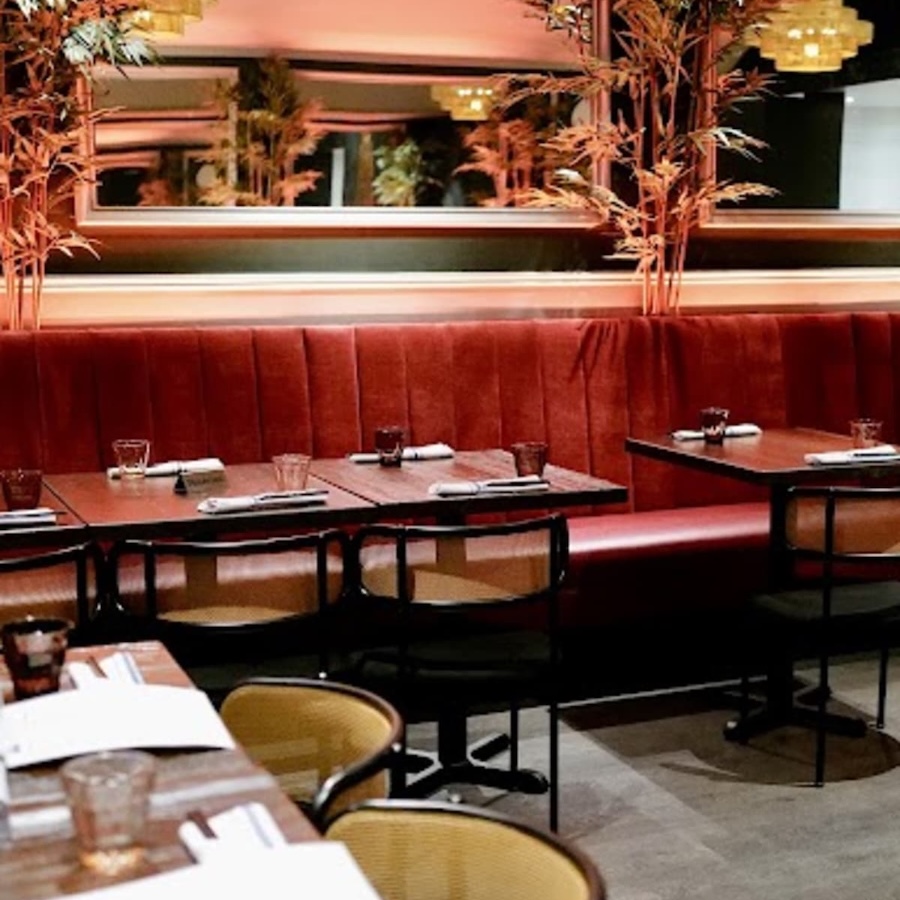
Turtle Tower Restaurant
Northern Vietnamese cuisine available on UberEats and DoorDash.
Phone
(415) 298-0897
CallWebsite
turtletowersf.com
VisitHours
Open nowAddress
3145 Fillmore St San Francisco CA 94123 USA
Directions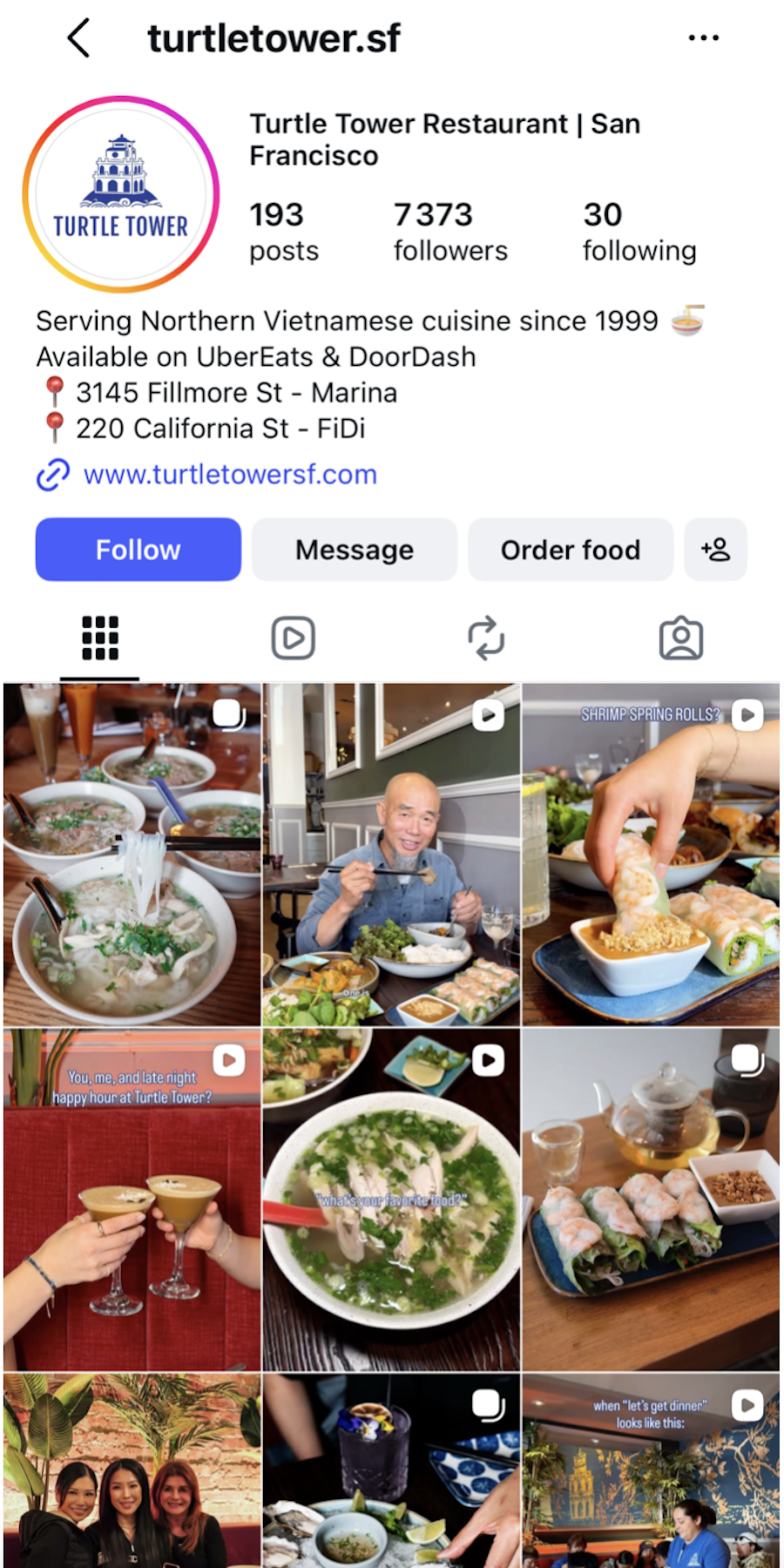
- 01The place is matched to a real location, with address, hours and phone number attached.
- 02Open the map or call the restaurant directly from the card.
- 03A photo of the place, its rating and its price level come back with the card.
- 04The card tells you whether the place is open right now, closing soon or closed.
- 05Places collect themselves into a list per city, ready before your next trip.

A friend sends a restaurant. You'll never find it again.
Someone screenshots a place they loved. You save a spot from a story, a list, a review.
Six weeks later you're deciding where to eat, and all you have is a thumbnail somewhere between a parking ticket and a meme, with a name you half remember.
The name is enough. omemo finds the rest.
From the screenshot, omemo identifies the actual restaurant — not a similar one, the right one — and brings back the address, the phone number, the website, the cuisine, the price level, the rating and the opening hours.
The card carries a photo of the place, a map and directions in the maps app you already use.
It also tells you whether it's open right now, closing soon or closed, so you know before you walk over.
And restaurants group themselves by city, so the list for your next trip is already written.
Restaurant screenshots, answered.
Have hundreds of screenshots, not just restaurant ones?
See how omemo works as an automatic screenshot organizer for iPhone.
Related guide: How to organize thousands of screenshots on iPhone