
Features
Automatic import
Every screenshot you take lands in omemo. Automatically.

Background sync
New screenshots appear in omemo on their own. Open the app and they're already there.
Auto categorization
Every screenshot lands in the right group — travel, shopping, recipes, contacts — without you filing anything.

No duplicates
The same screenshot never shows up twice, even if you re-import or change phones.

Auto-exclude sensitive ones
Health, wallet and finance screenshots are filtered out unless you choose to include them.
Screenshots that become useful
A screenshot for everything, finally understood.
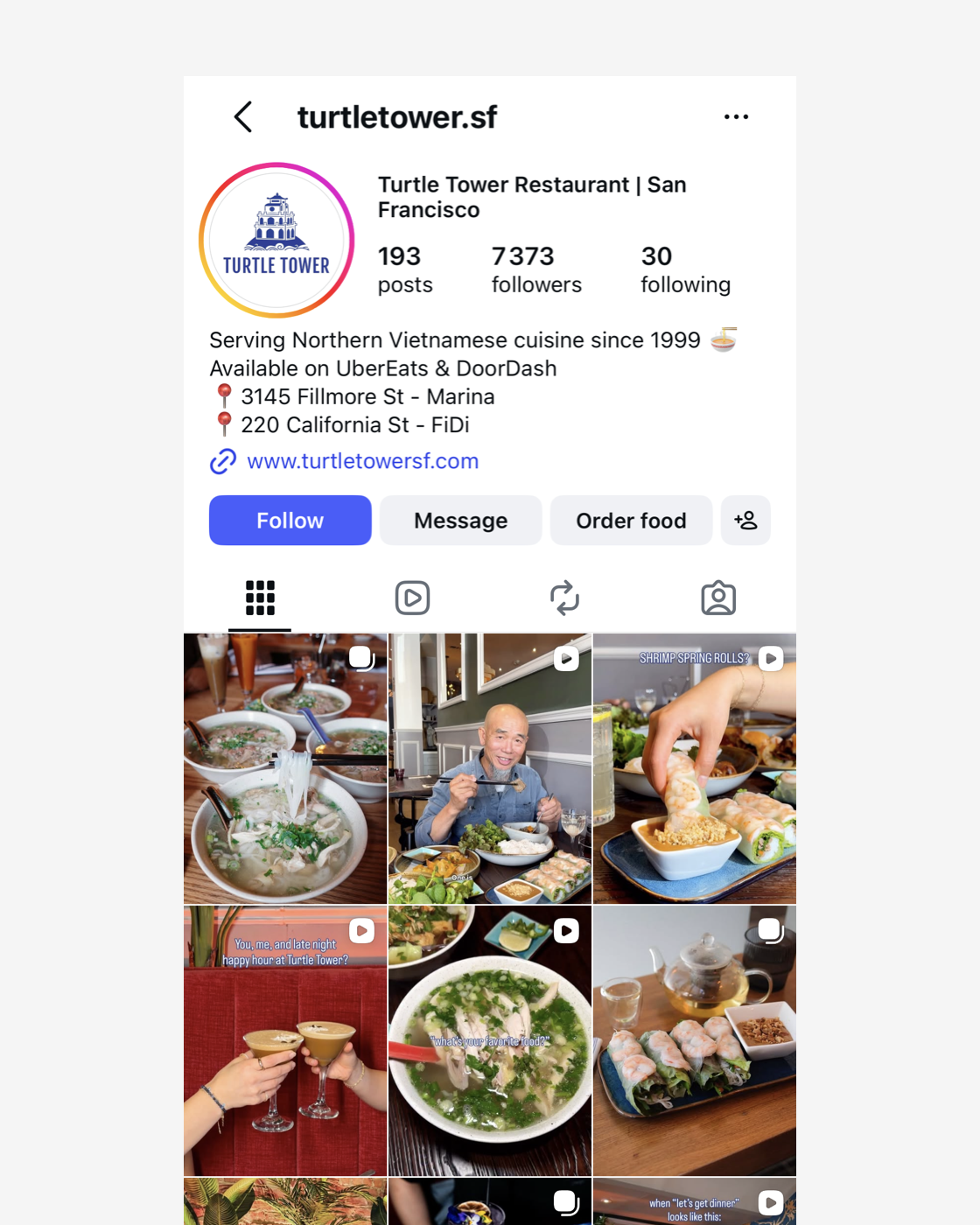
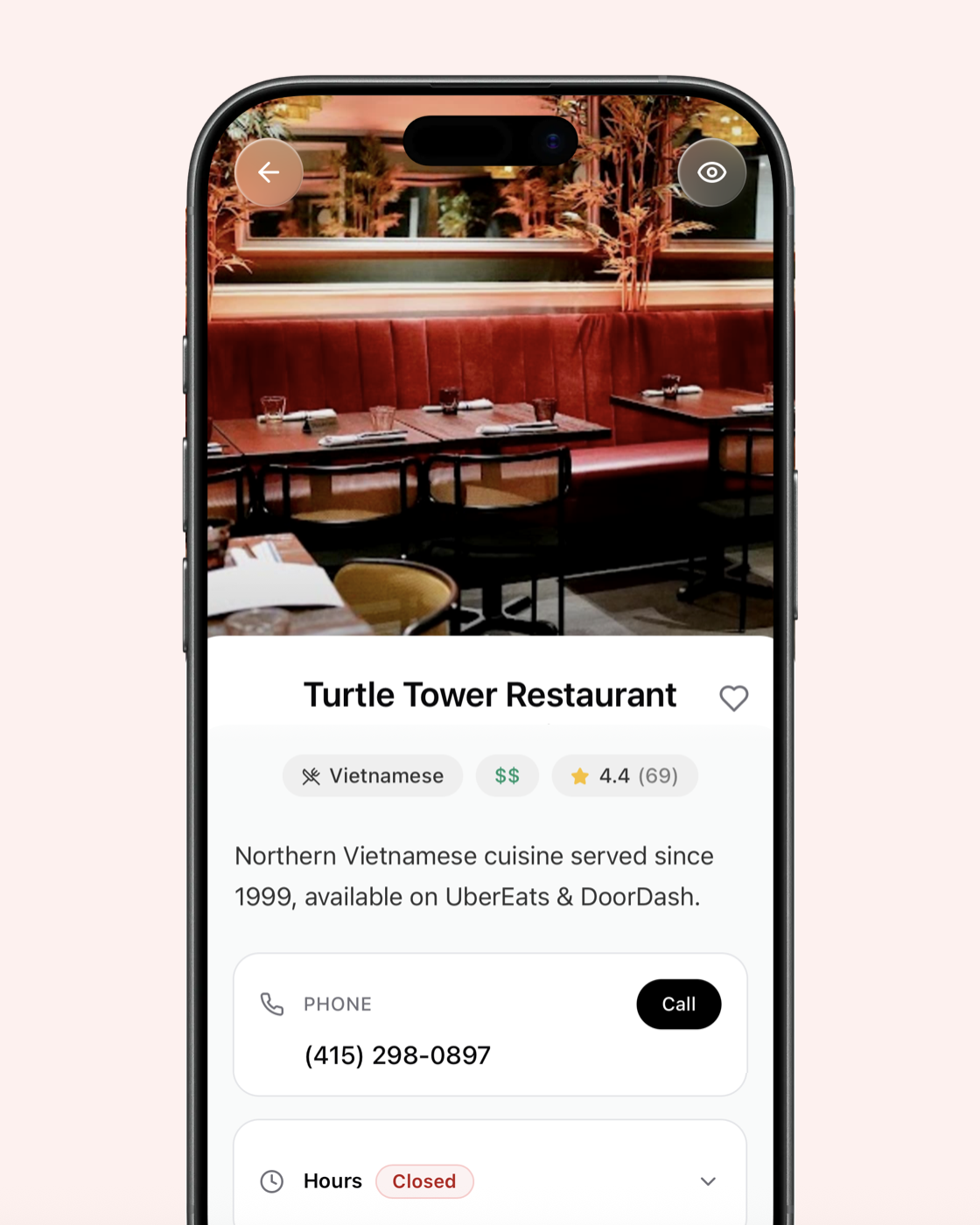
Restaurants & places
A screenshot of a restaurant becomes a card with opening hours, map, phone and booking link.
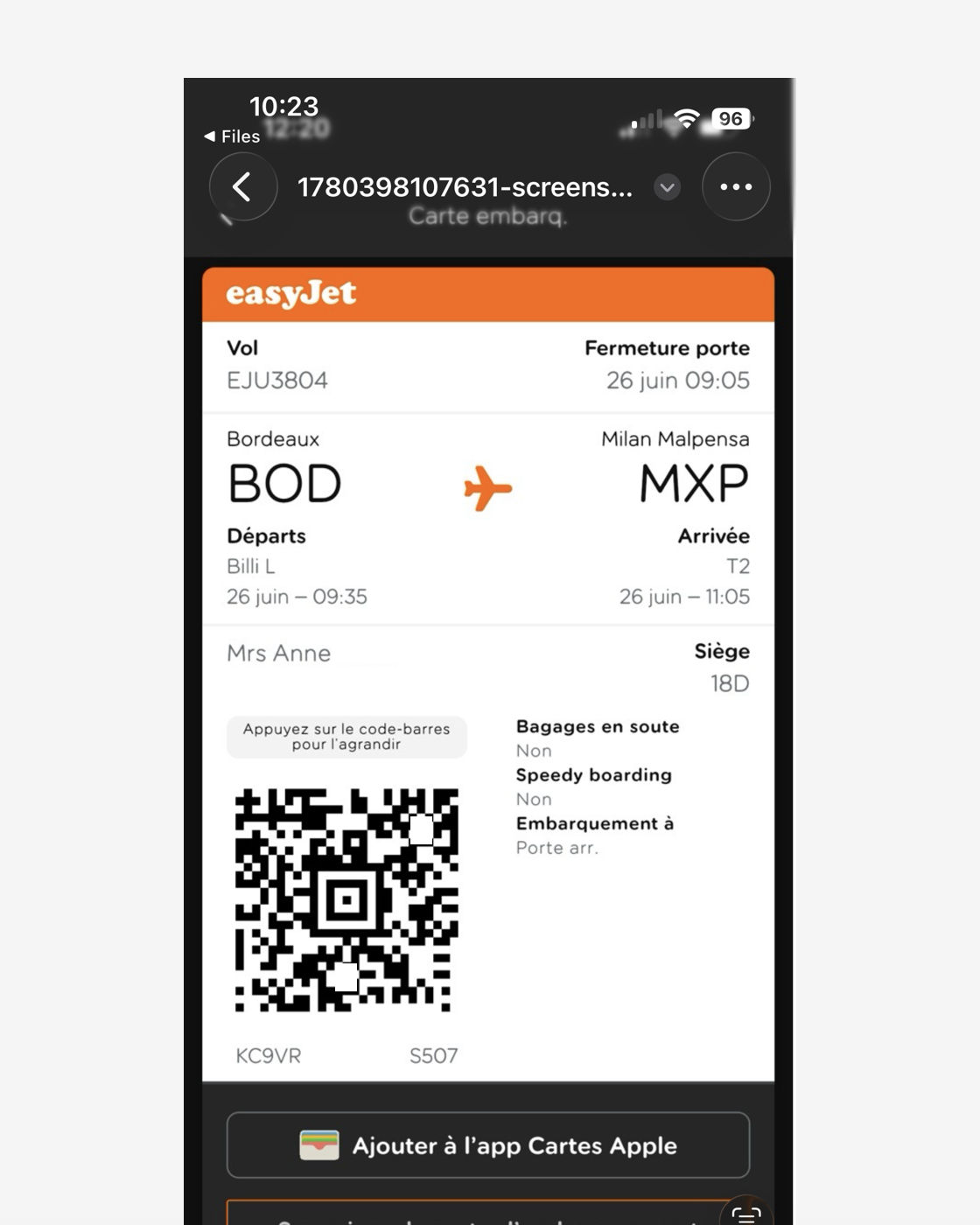
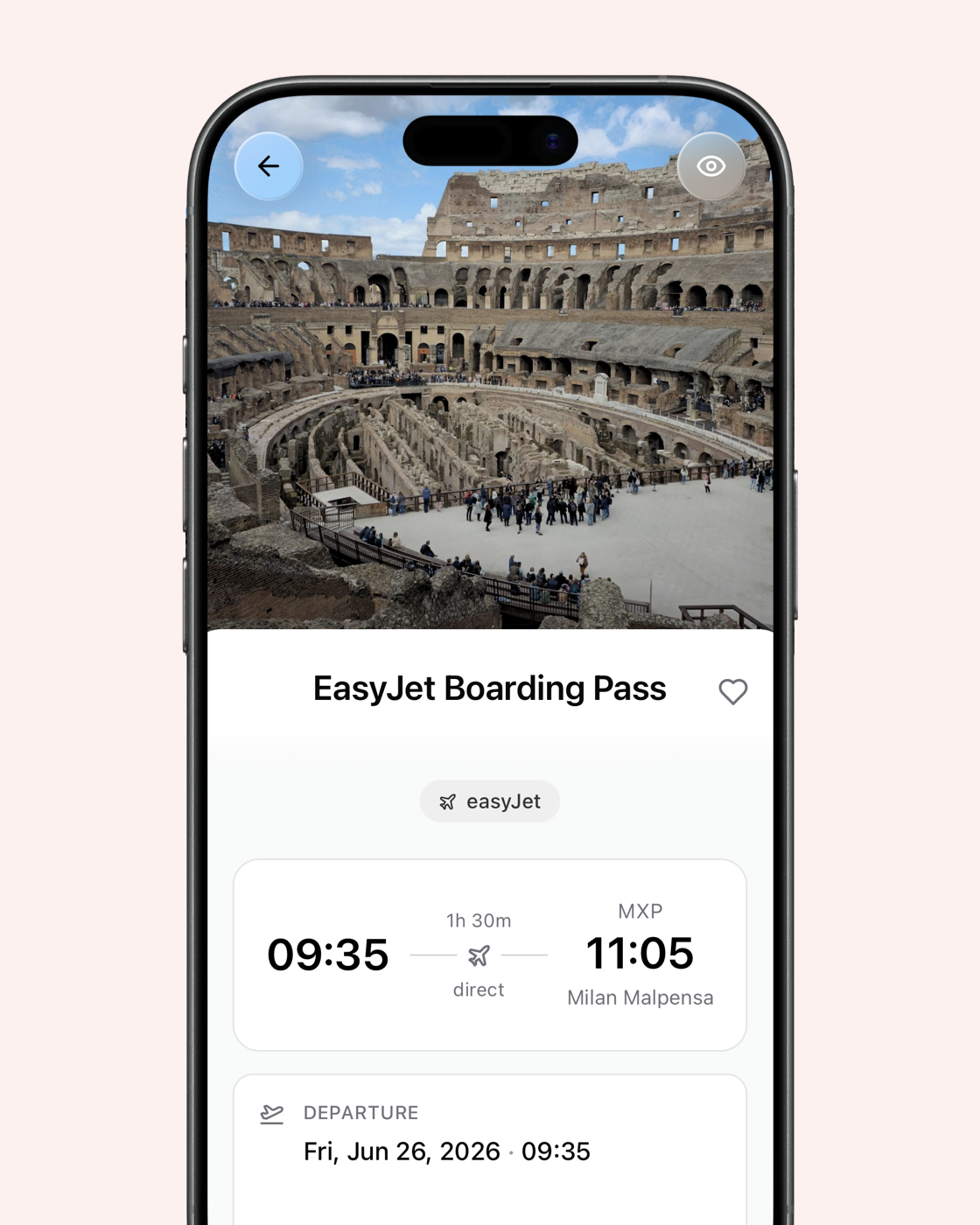
Travel
One screenshot of a flight, hotel or train turns into a clean trip record with dates, places and carrier.
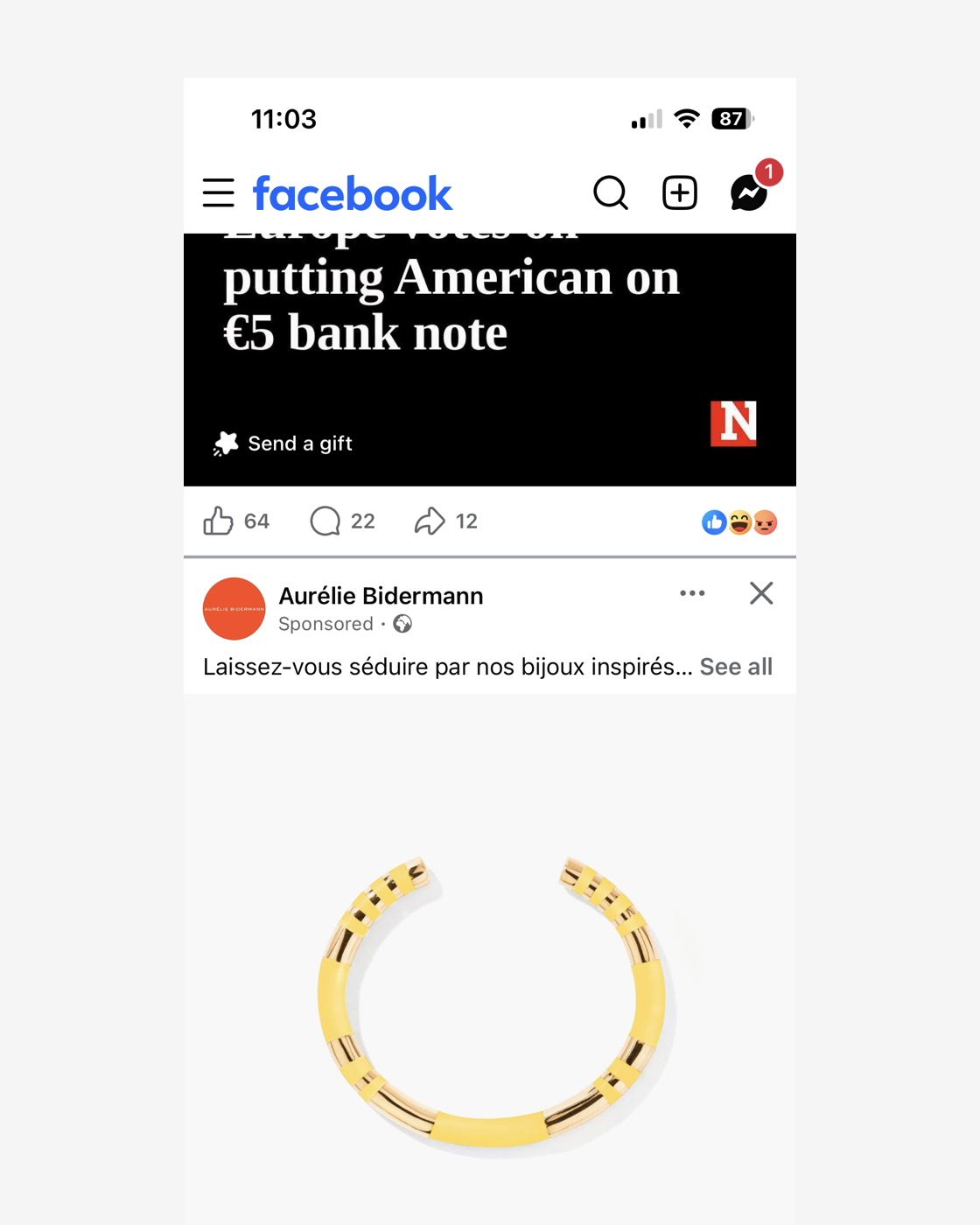
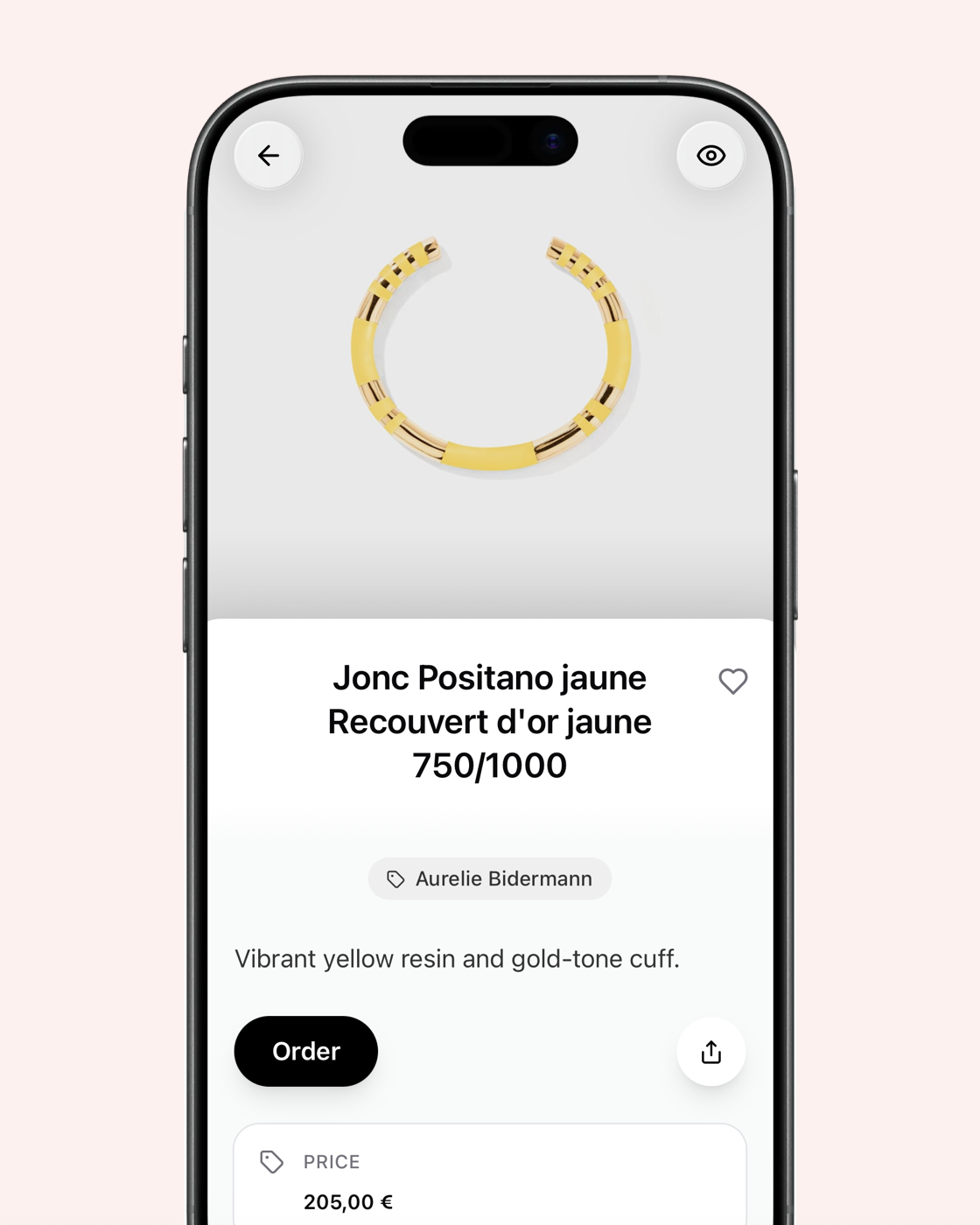
Shopping
Screenshot a product and omemo finds the link, price and retailer so you can buy it later.
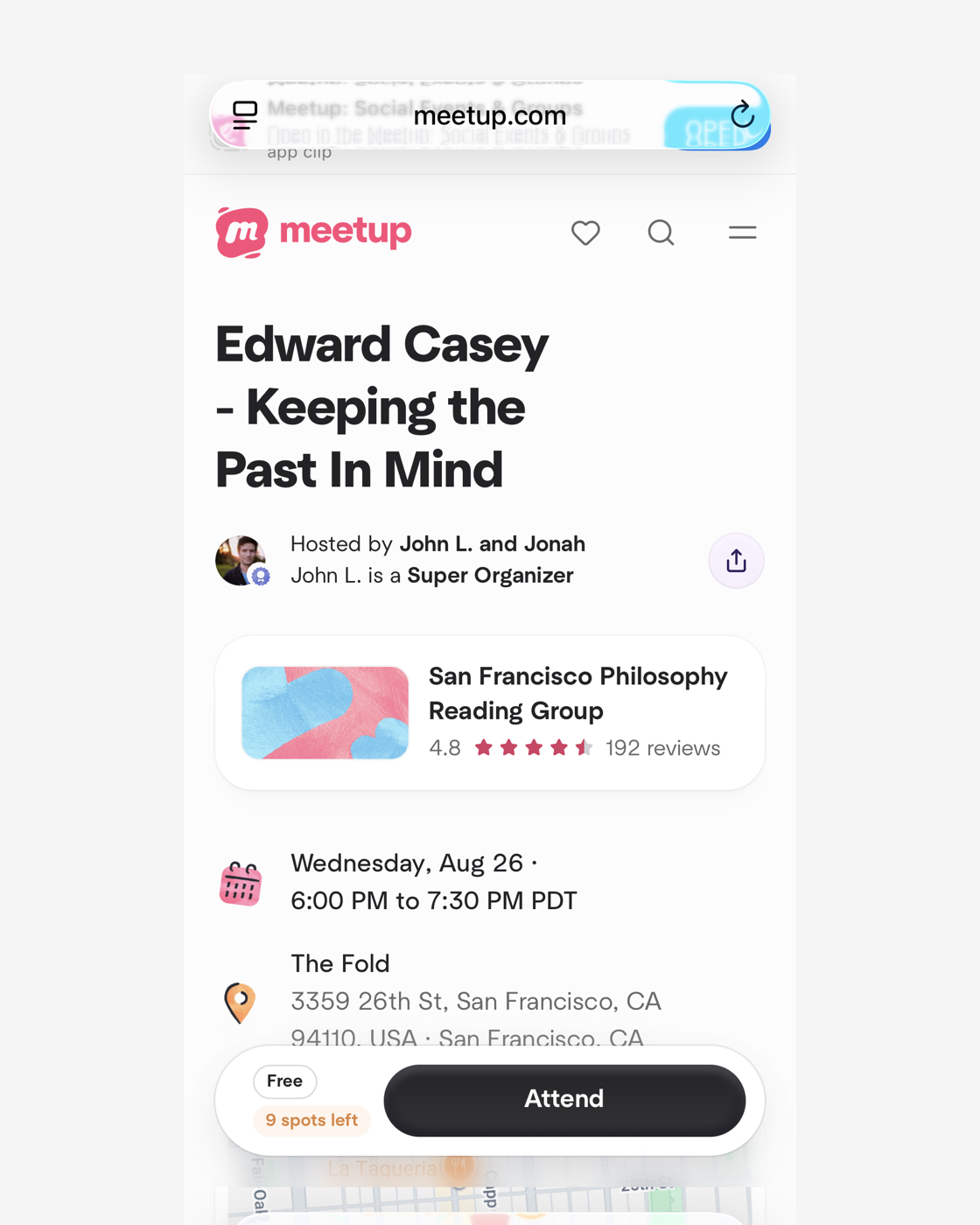
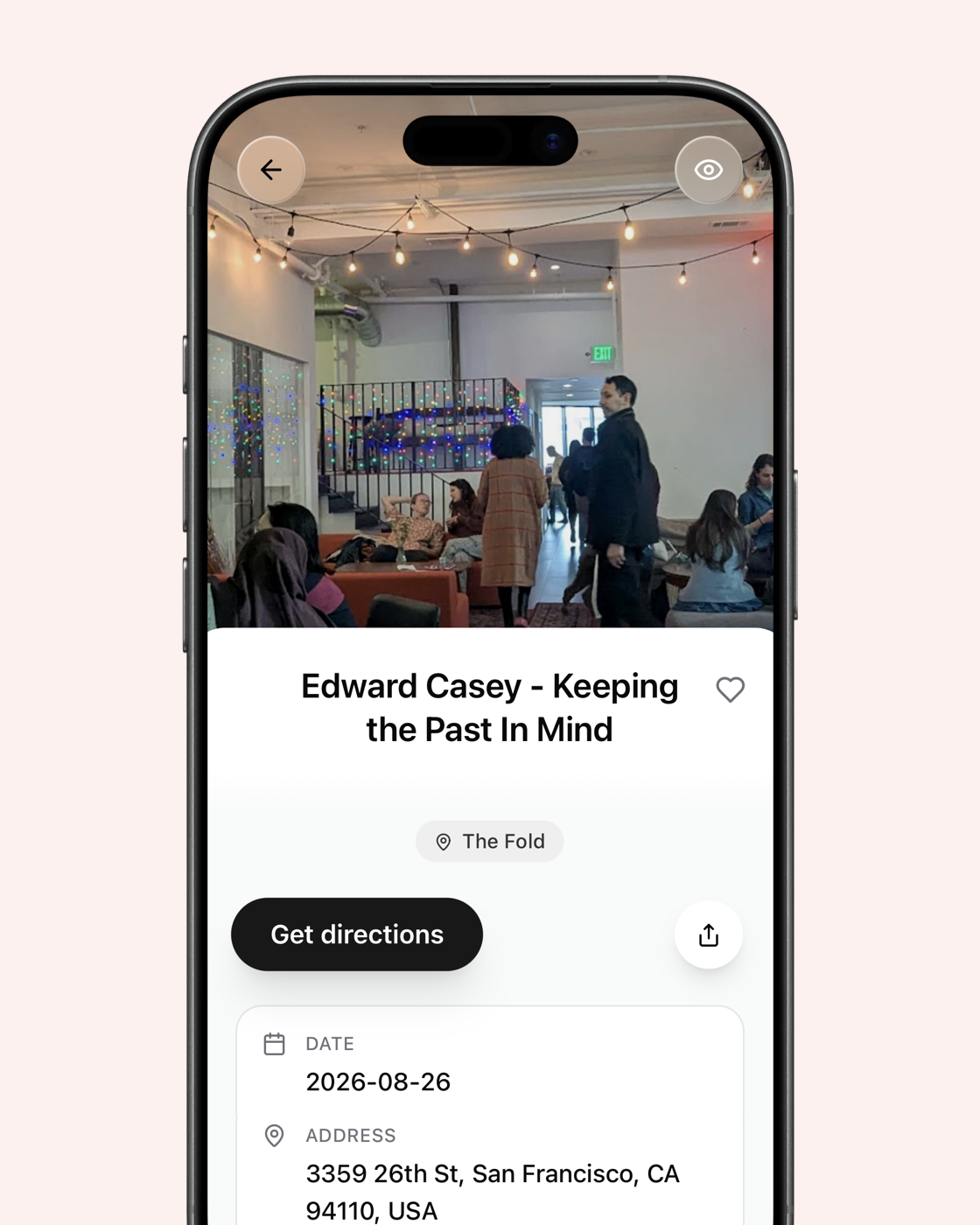
Events & tickets
Concert tickets, reservations and dates become cards with the venue, time and what to do next.
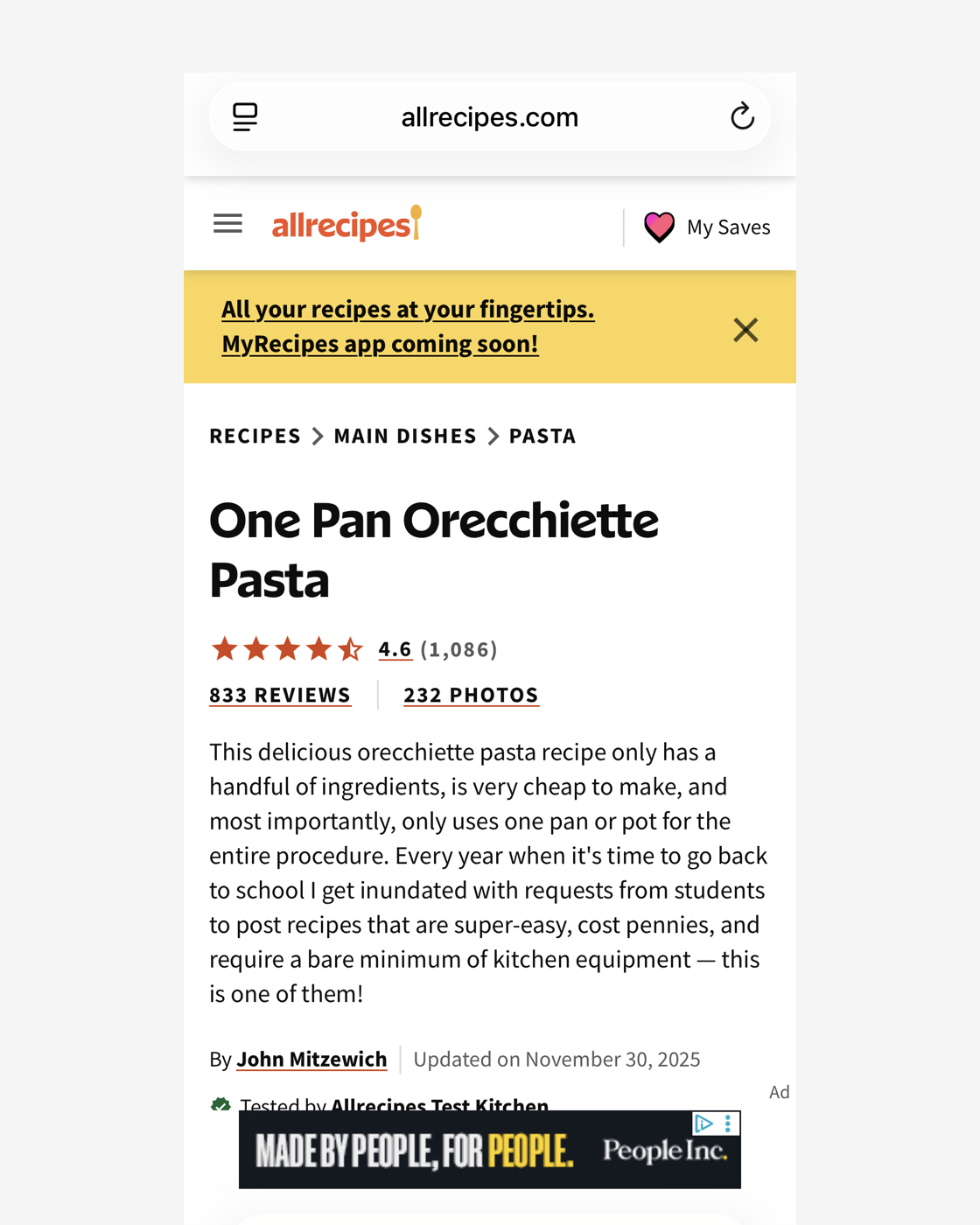
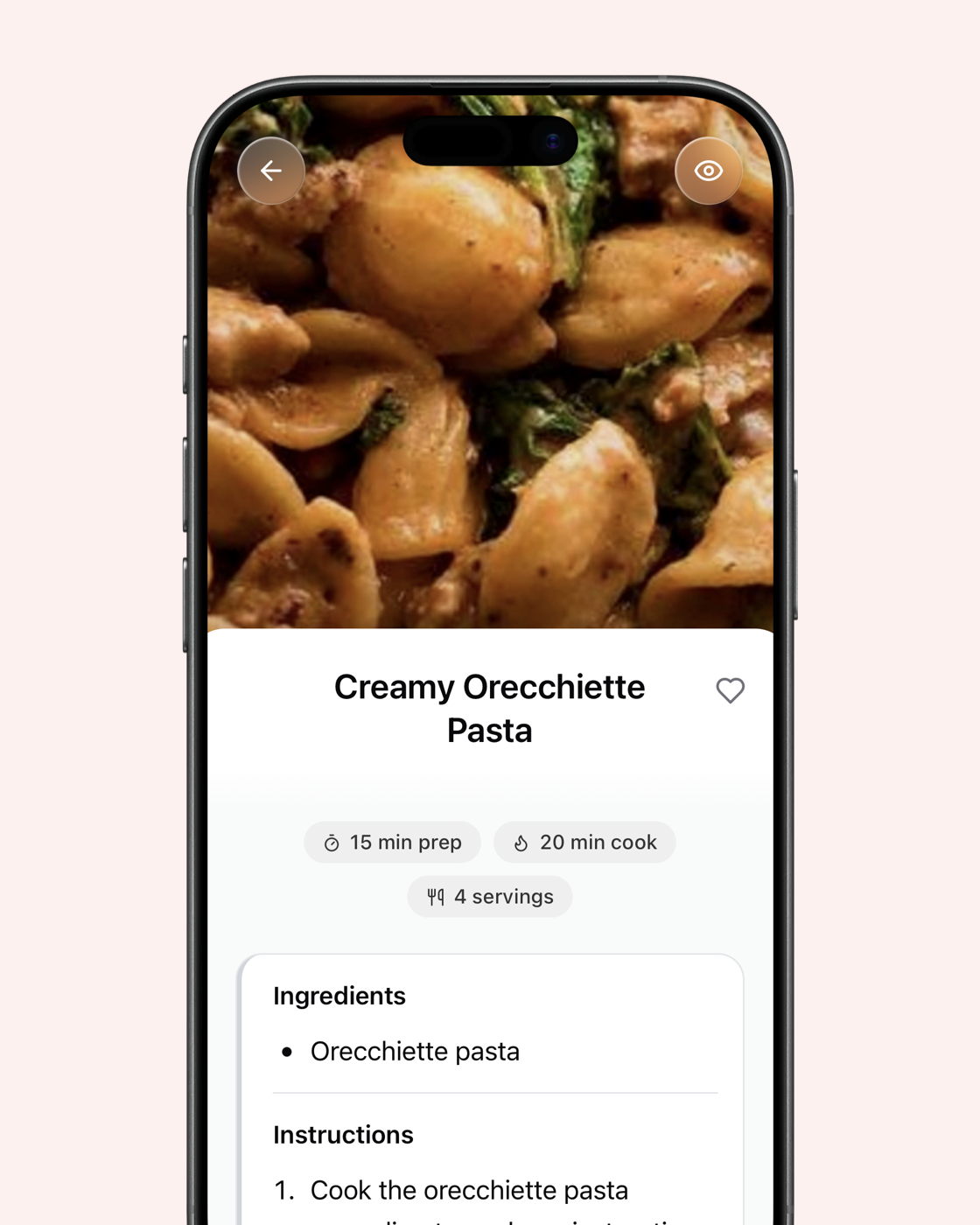
Recipes
A recipe screenshot gets its ingredients and steps back into text you can actually use.
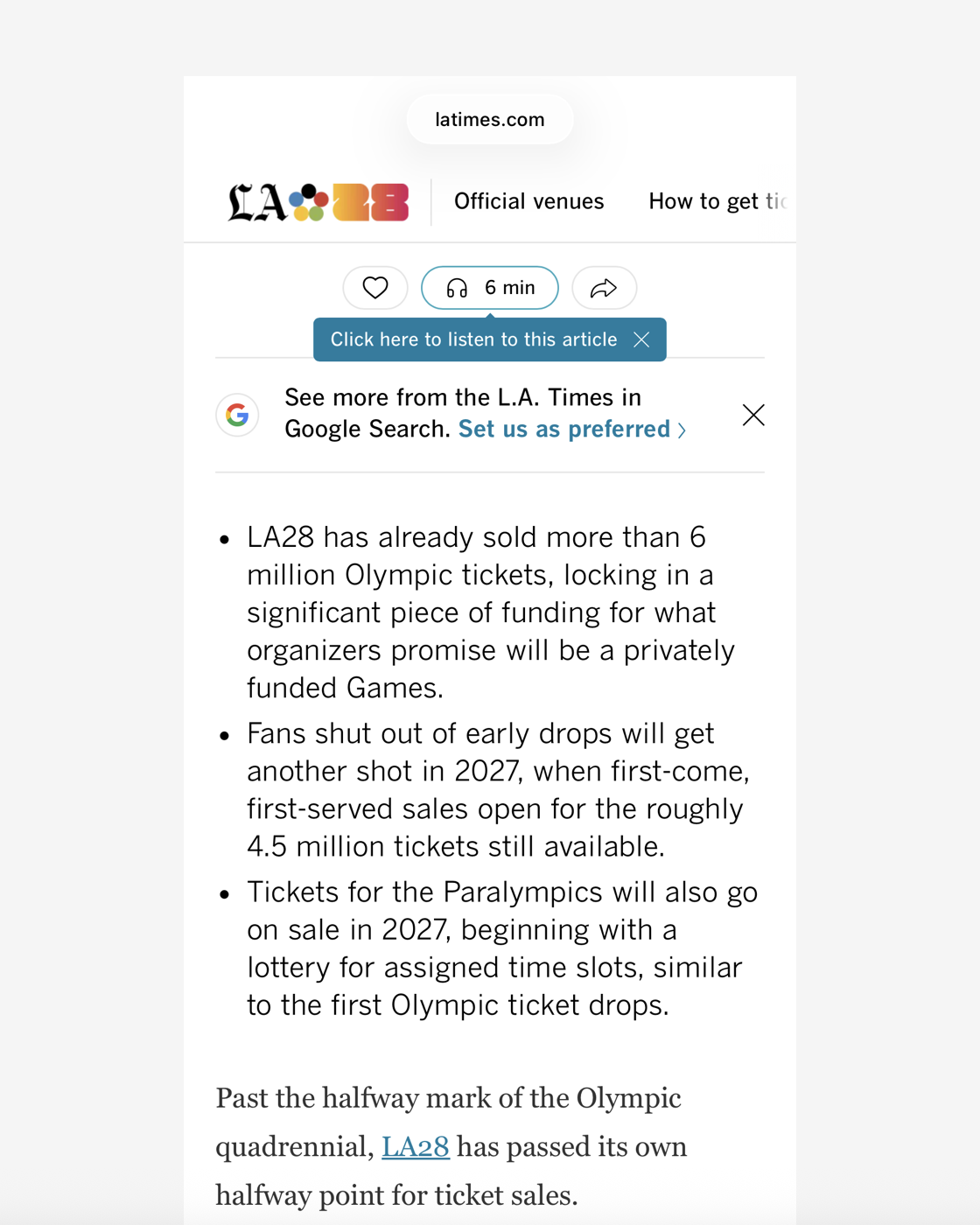
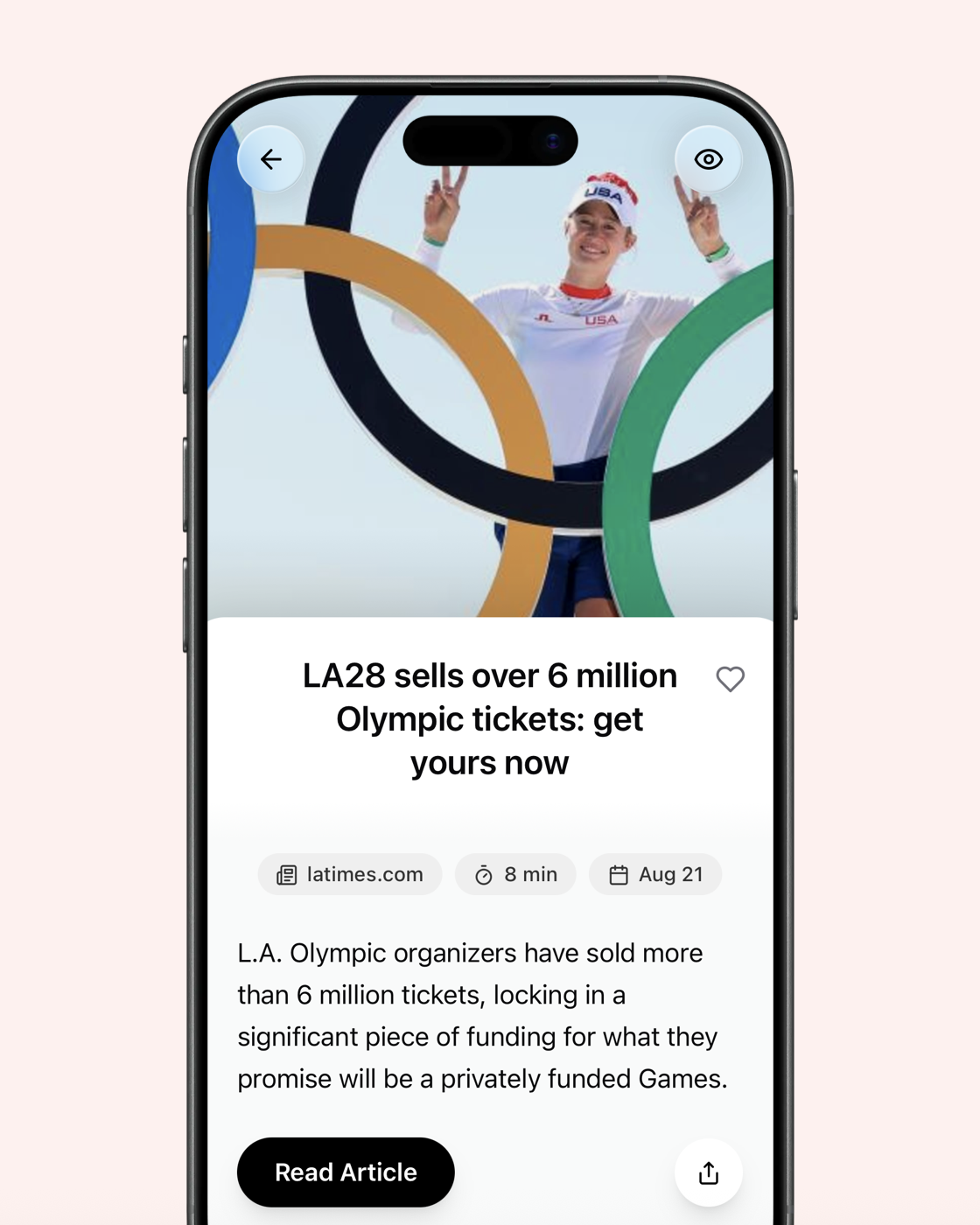
News articles
The article behind the screenshot is recovered with the headline, source and a working link.
And many more types, understood the same way.
Find the screenshot you can't remember taking
omemo reads and understands every screenshot the moment it's saved: the text, the prices, the names, the places. So you can search for what was in it, not when you took it.
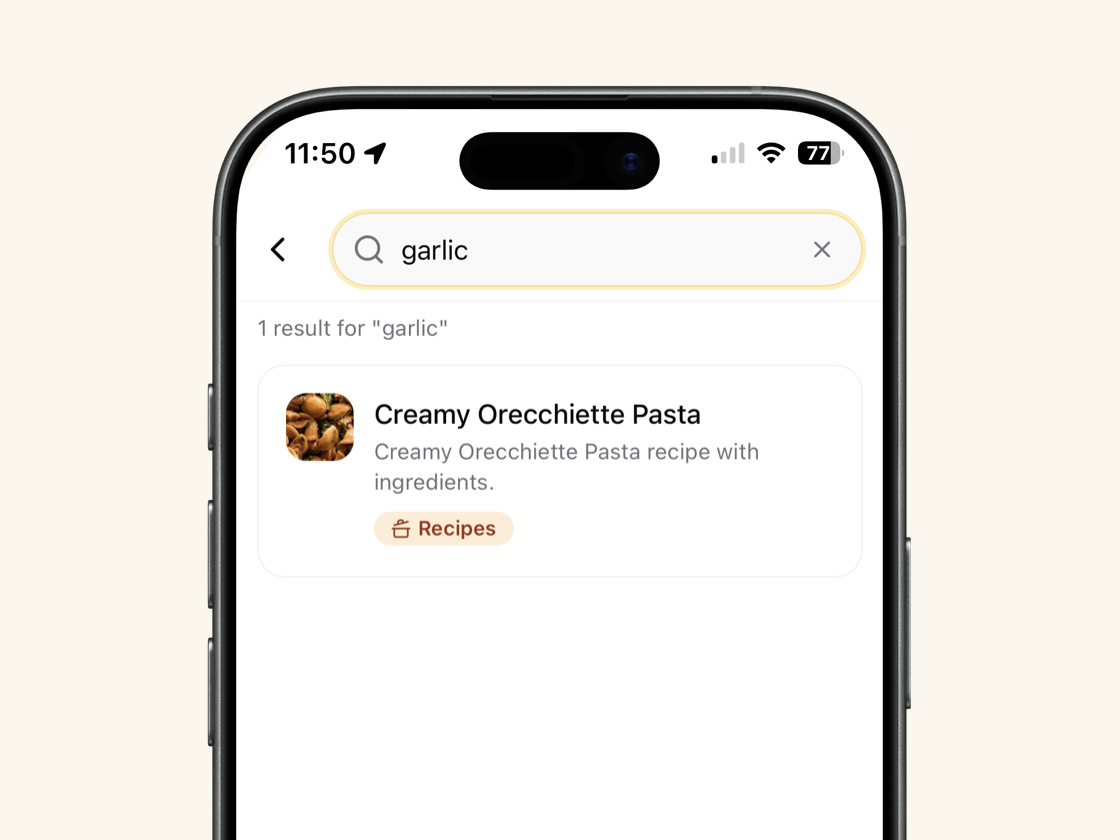
It knows what it is
Article text, transcripts, recipe ingredients, book authors, menus, job offers, receipts. Search "garlic" and the recipe comes back, even if the word was in tiny print.
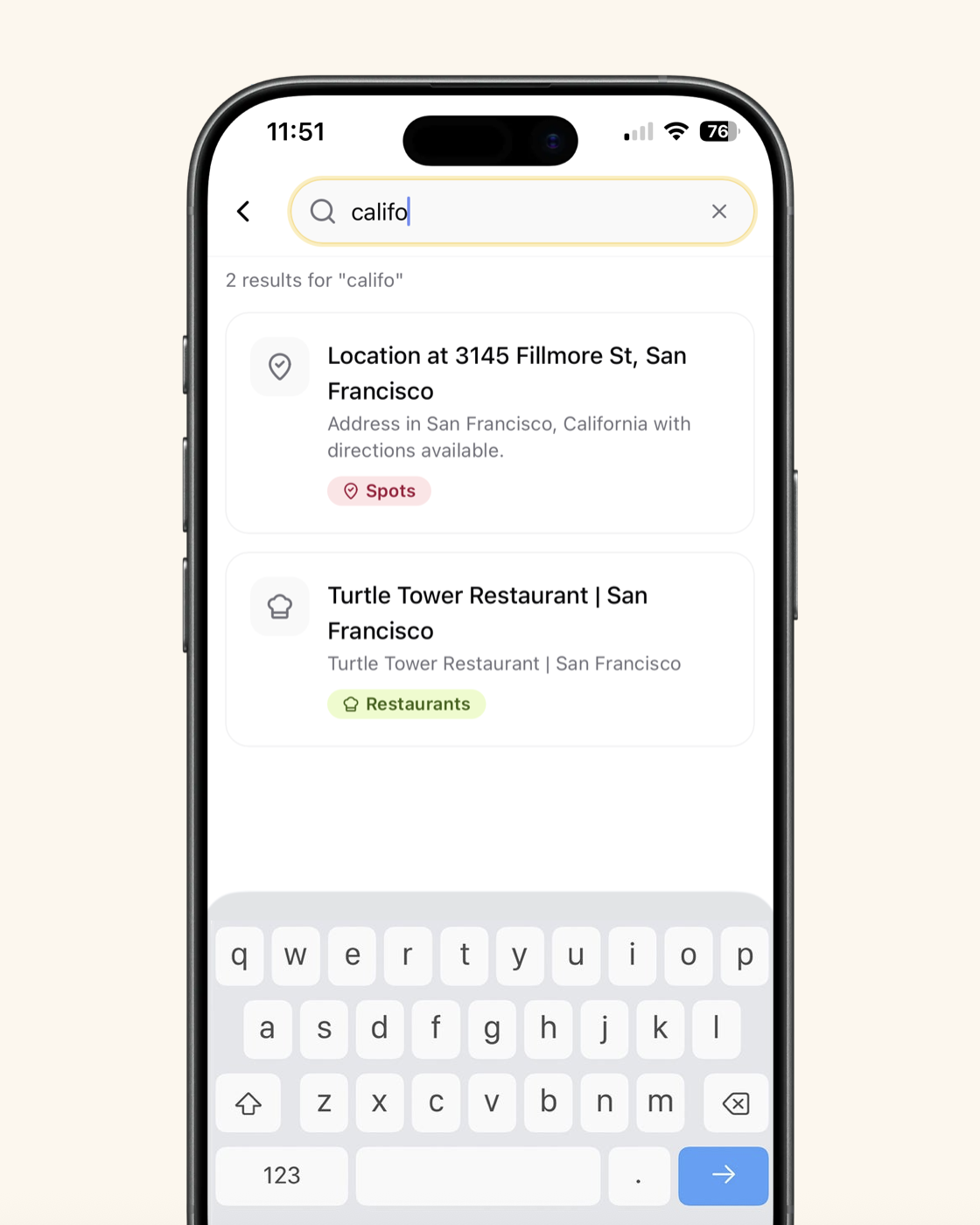
Ask the way you think
Typos welcome, full sentences welcome. "shoes under 100€", "that hotel in Lisbon", "the job offer from last month". Results appear as you type.
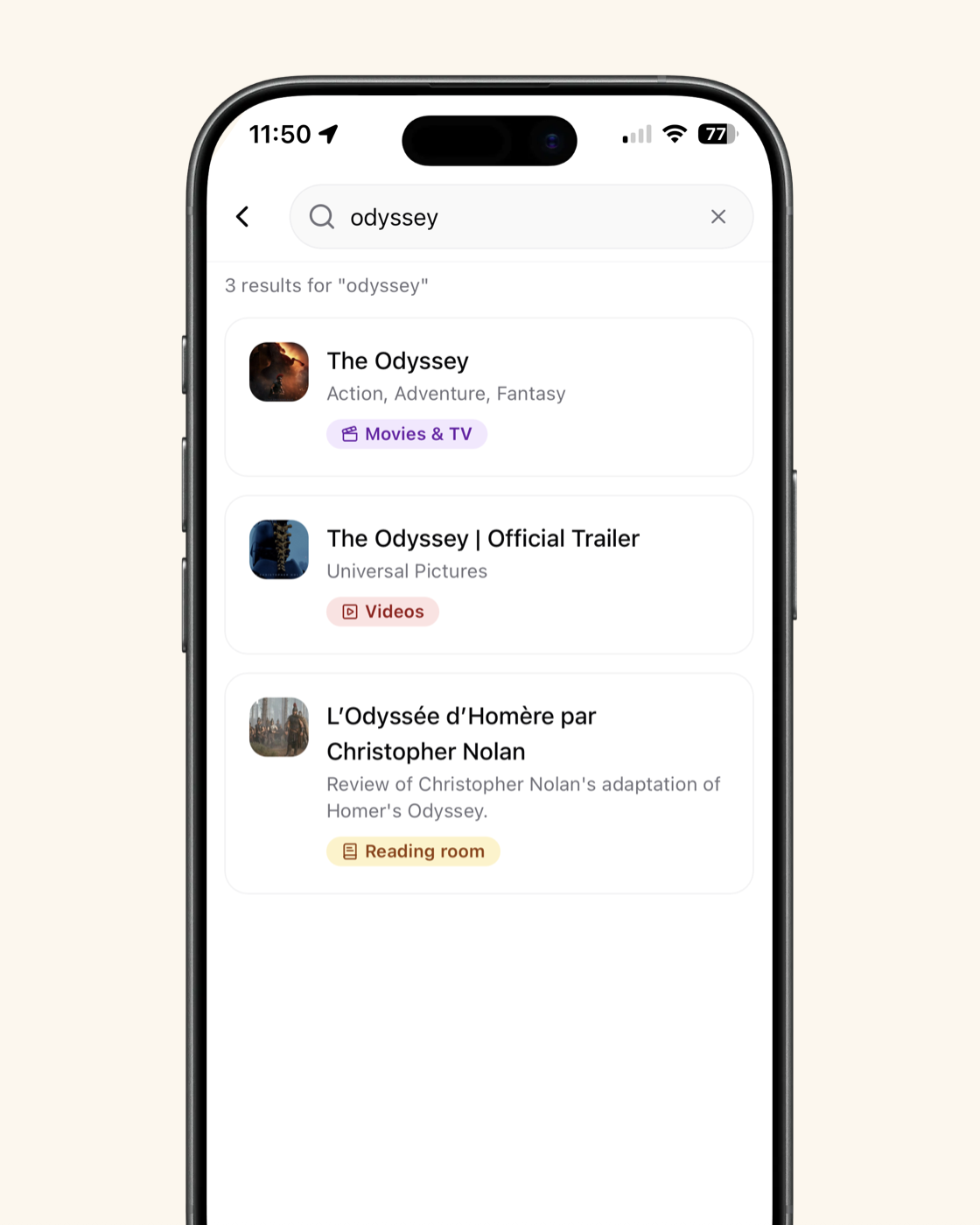
Meaning, not just words
Every screenshot is sorted — shopping, travel, recipes, jobs, places, conversations — with prices, dates and locations pulled out. Search combines what it says with what it is.
Collections
Organize by hand, or just ask.
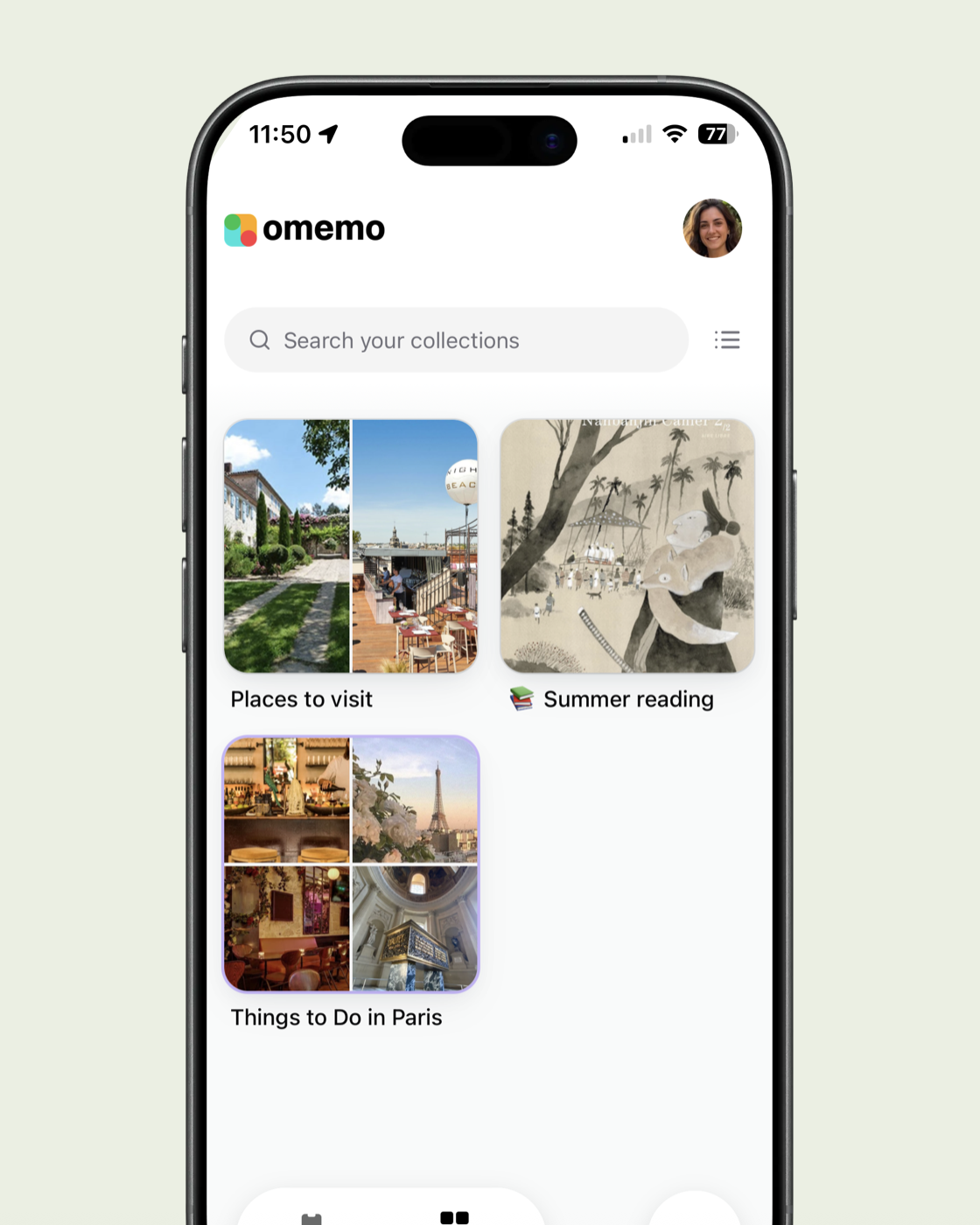
Classic collections
Group screenshots into your own folders — trips, wishlists, ideas — however you like.
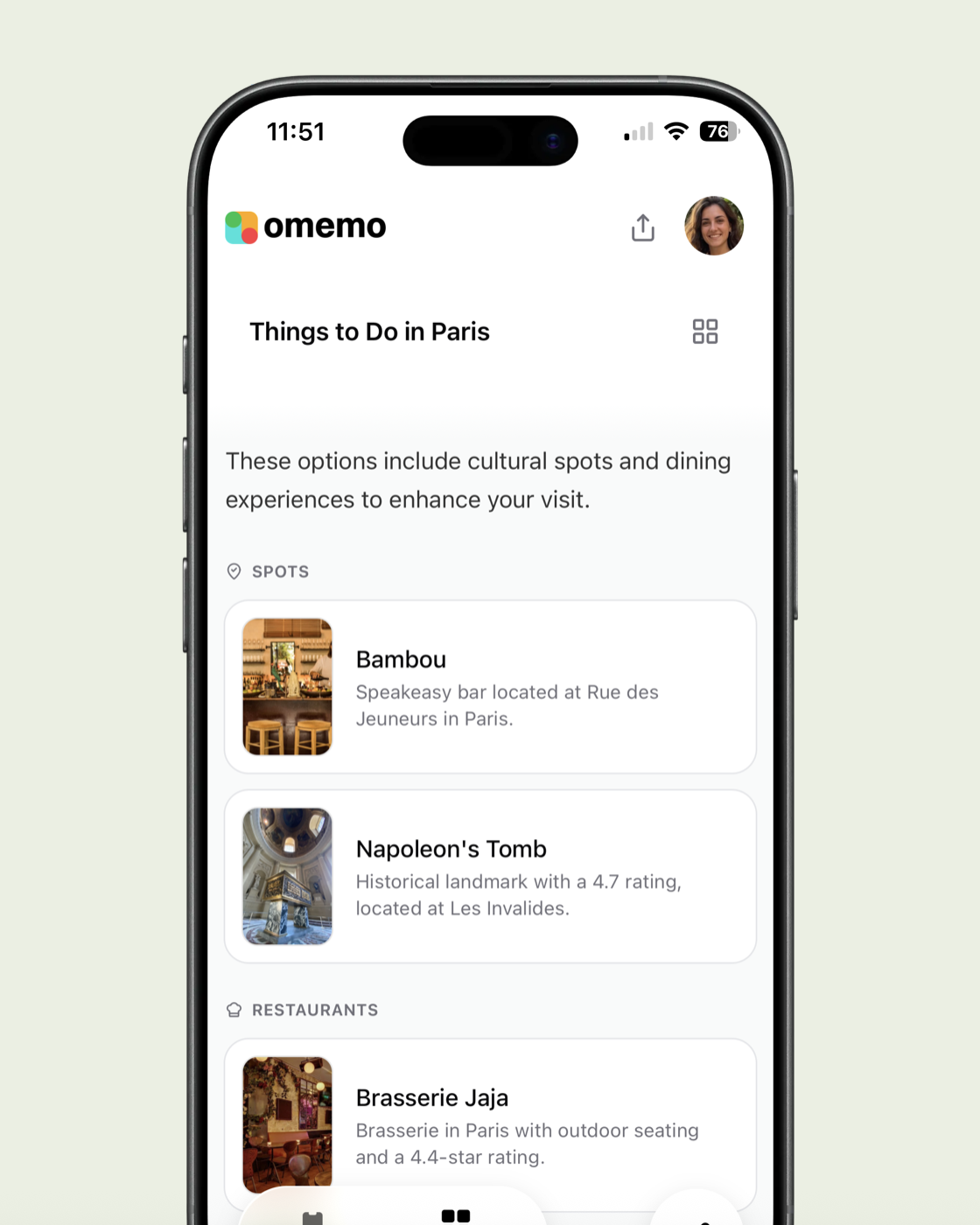
Smart collections
Type or ask for a theme and omemo gathers every matching screenshot for you.

Voice mode
Ask out loud, like "what did I save about Lisbon?" and get an instant collection.
Smart notifications
Get nudged about the things you saved, when it matters.

Price drops
Get a heads-up when something you saved goes on sale.

Nearby
A saved restaurant or spot pops back up when you're near it.

Unread saves
Gentle reminders about screenshots you saved but haven't used yet.
Sync with your apps
Screenshots that actually connect to your life.

Contacts
Match a screenshot to the people it mentions and save them straight to your address book.
Google Calendar
A date, flight or appointment from a screenshot lands on your Google Calendar.

Location
Places in your screenshots are recognized and shown on a map, ready when you need them.
Sharing
Share what you saved, beautifully.

Individual screenshot
Send one saved card as a clean link anyone can open.
Curated collections
Share a whole collection — a trip, a wishlist, a list of places — as one simple page.
0 screenshots
Your camera roll is finally ...a camera roll!
Once your screenshots are backed up in omemo, the originals leave your photo feed in one tap. Every screenshot is safely stored before anything is removed so your camera roll only holds photos. The relief Apple promised — a camera roll that only holds memories — delivered now.